Figura 360
Computational Geometry and Graphics Systems Lab
Figura 360 is a lab dedicated to exploring geometry and graphics through experiments, research, and software development. This lab documents the evolution of ideas, systems, and prototypes developed while studying geometry and graphics in software. It investigates how geometric systems, visual structures, and modeling concepts can be designed, implemented, and understood while building tools that support exploration and experimentation. Some materials and experiments are publicly available, while deeper research, resources, and development notes are available to members supporting the work.
Inside the Lab
• Experiments with geometric systems
• Studies on modeling and spatial structures
• Graphics and visualization explorations
• Geometry engines and algorithms
• Editor and interaction experiments
• Prototypes and evolving tools
Figura 360 Application
Figura 360 is a desktop application built for geometric modeling and computer graphics that serves as both an educational playground and a professional testing ground for ideas in software and visual computation. It is used to explore geometric modeling, visualization, and system design while documenting the development process. The application evolves together with the research conducted in this lab and is an experimental tool developed as part of this lab.

Examples — STL Dino Import Scene
Example scene featuring import of STL file. The STL (STereoLithography) file format is widely-adopted format for 3D printing and rapid prototyping and represents 3D models as a mesh of triangles.

Examples — DXF Statue Import Scene
Example scene featuring import of DXF file. DXF (Drawing Exchange Format) is an open-source vector file format developed by Autodesk in 1982 to enable data interoperability between AutoCAD and other CAD programs.
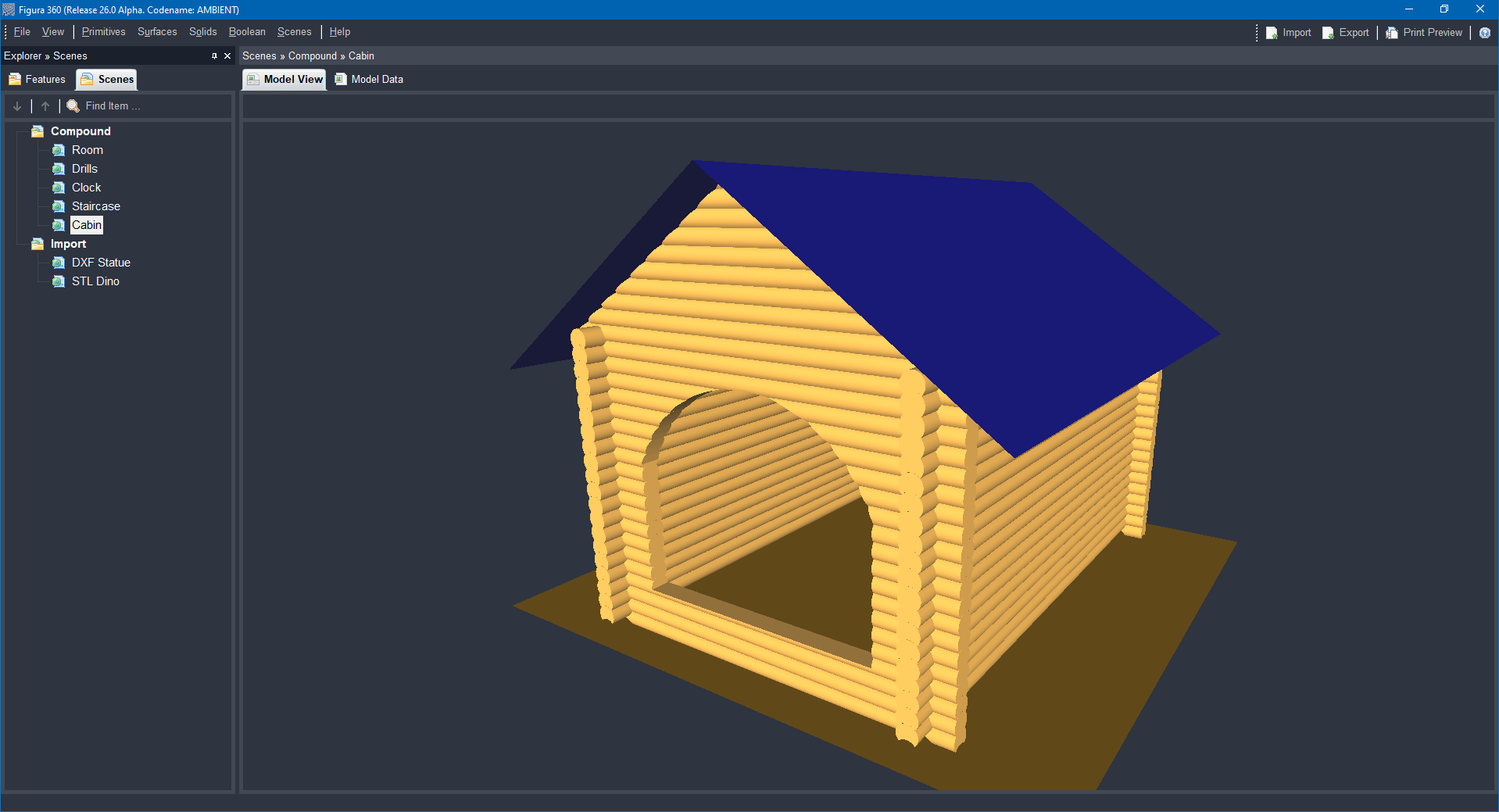
Examples — Cabin Compound Scene
Cabin compound scene example presented in a perspective view, featuring solid modeling and assembling, procedural fast calculation, navigation (Zoom, Pan, Orbit), perspective view.
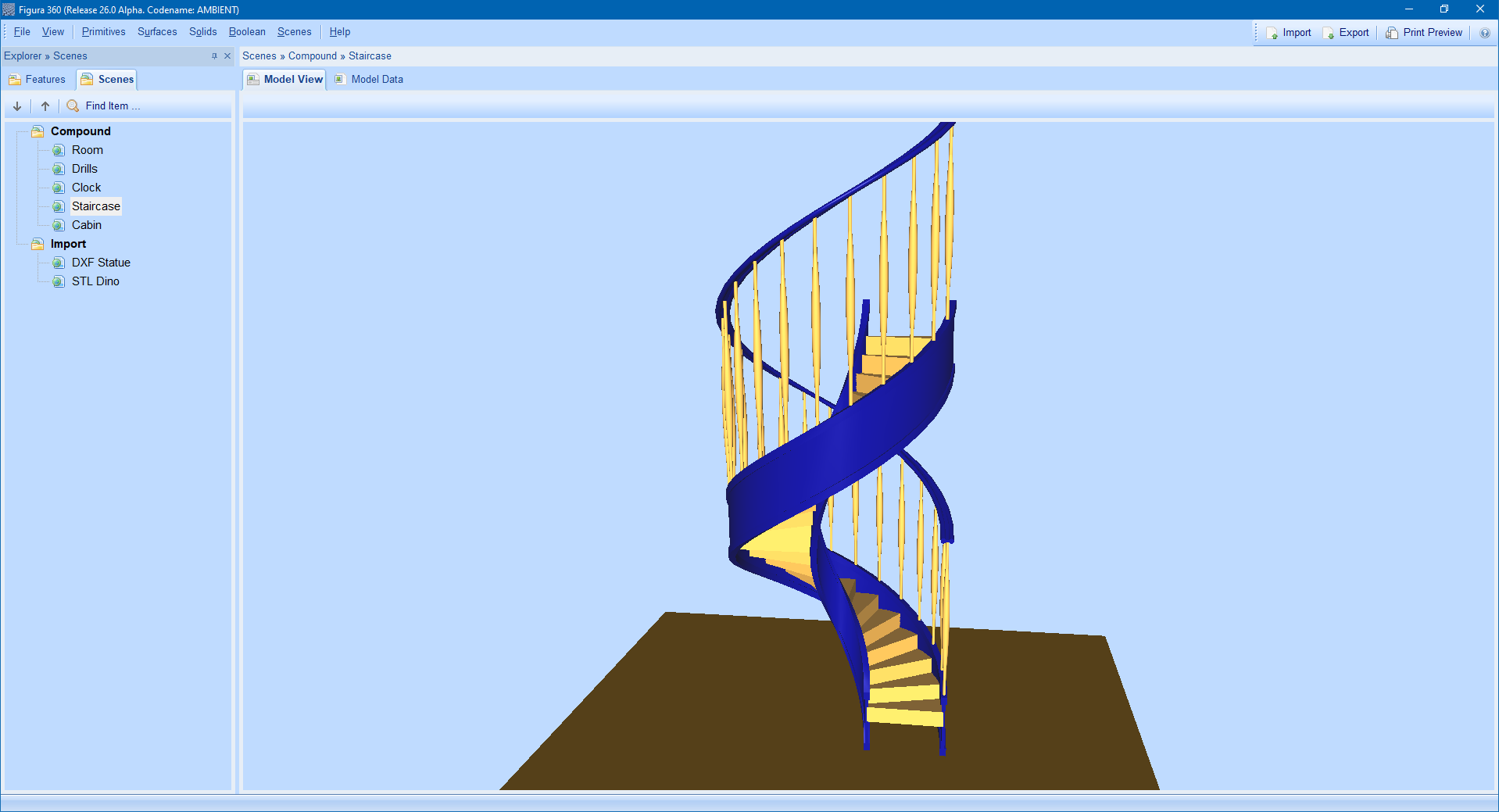
Examples — Staircase Compound Scene
Staircase compound scene example presented in a perspective view, featuring solid modeling and assembling, procedural fast calculation, navigation (Zoom, Pan, Orbit), perspective view.
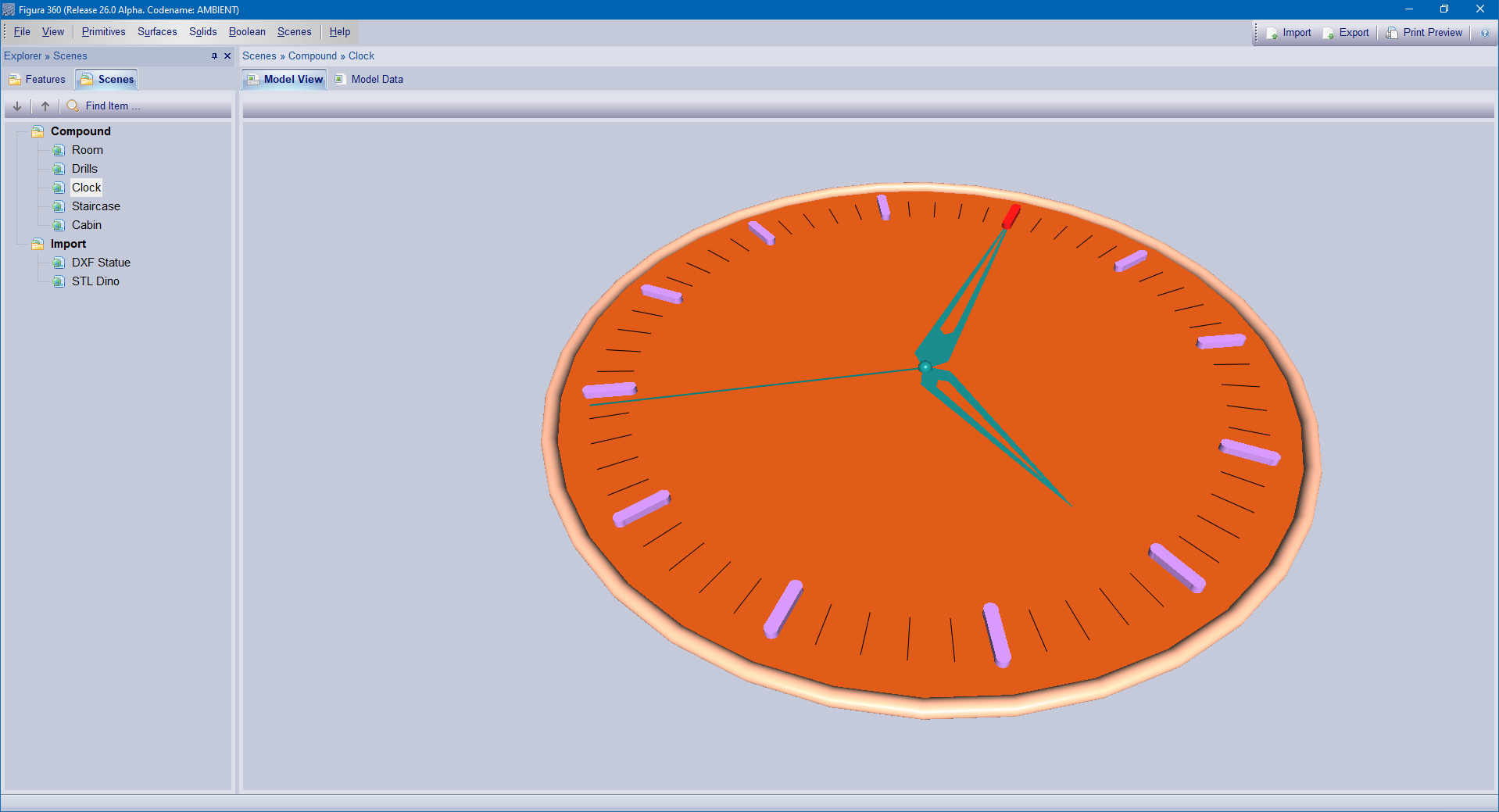
Examples — Clock Compound Scene
Clock compound scene example presented in a perspective view, featuring solid modeling and assembling, procedural fast calculation, navigation (Zoom, Pan, Orbit), perspective view.
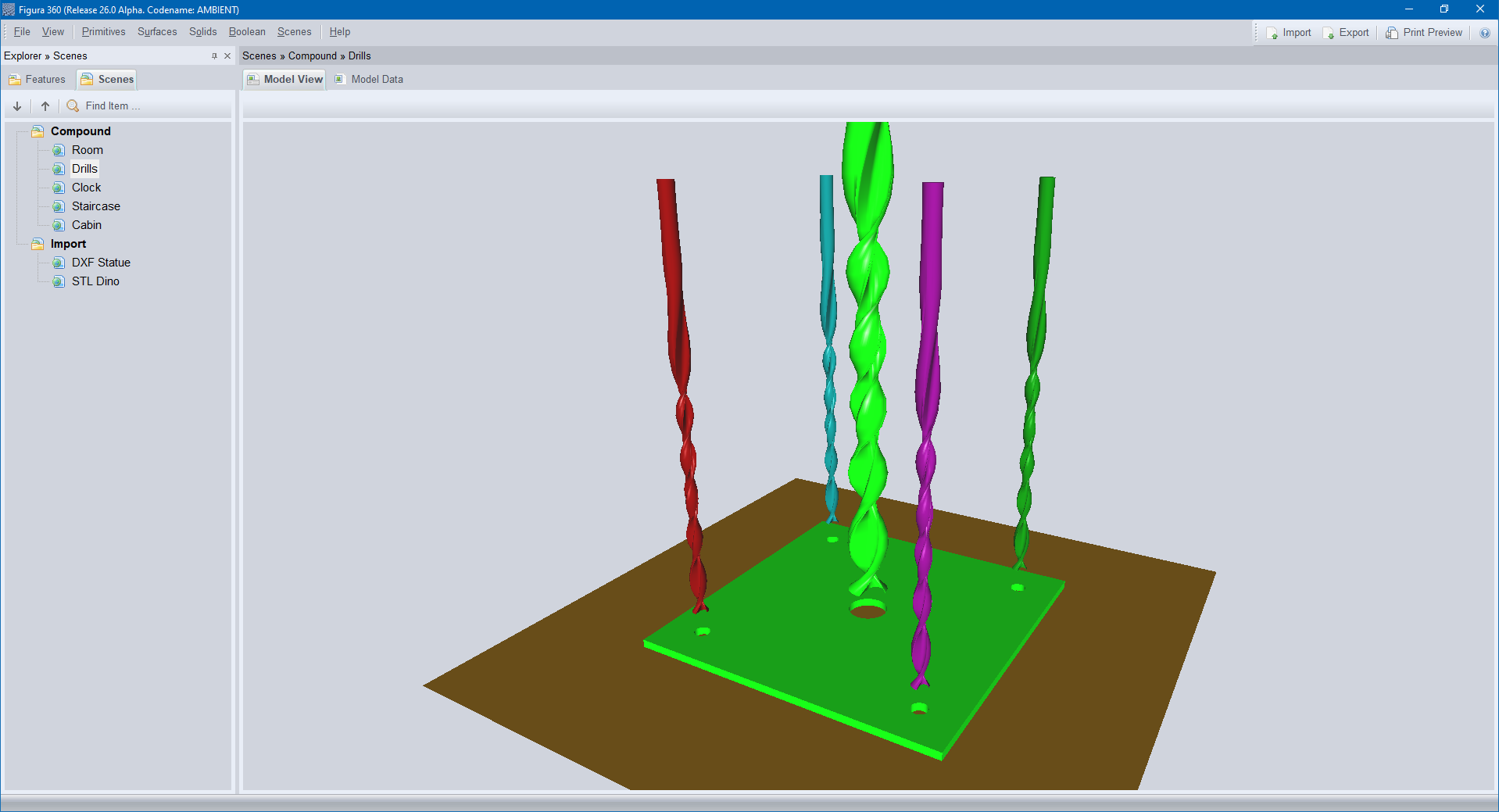
Examples — Drills Compound Scene
Drills compound scene example presented in a perspective view, featuring solid modeling and assembling, procedural fast calculation, navigation (Zoom, Pan, Orbit), perspective view.
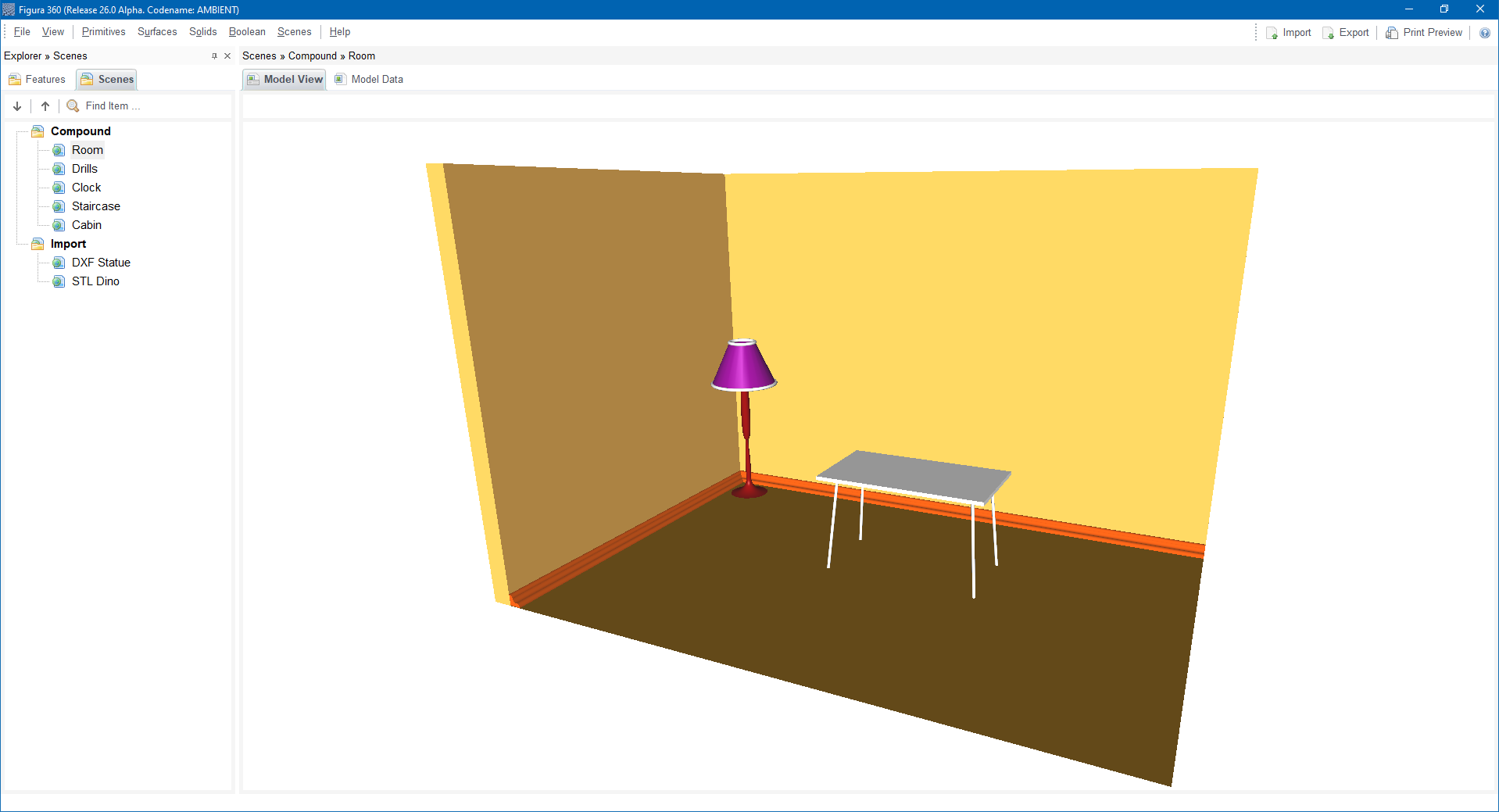
Examples — Room Compound Scene
Room compound scene example presented in a perspective view, featuring solid modeling and assembling, procedural fast calculation, navigation (Zoom, Pan, Orbit), perspective view.
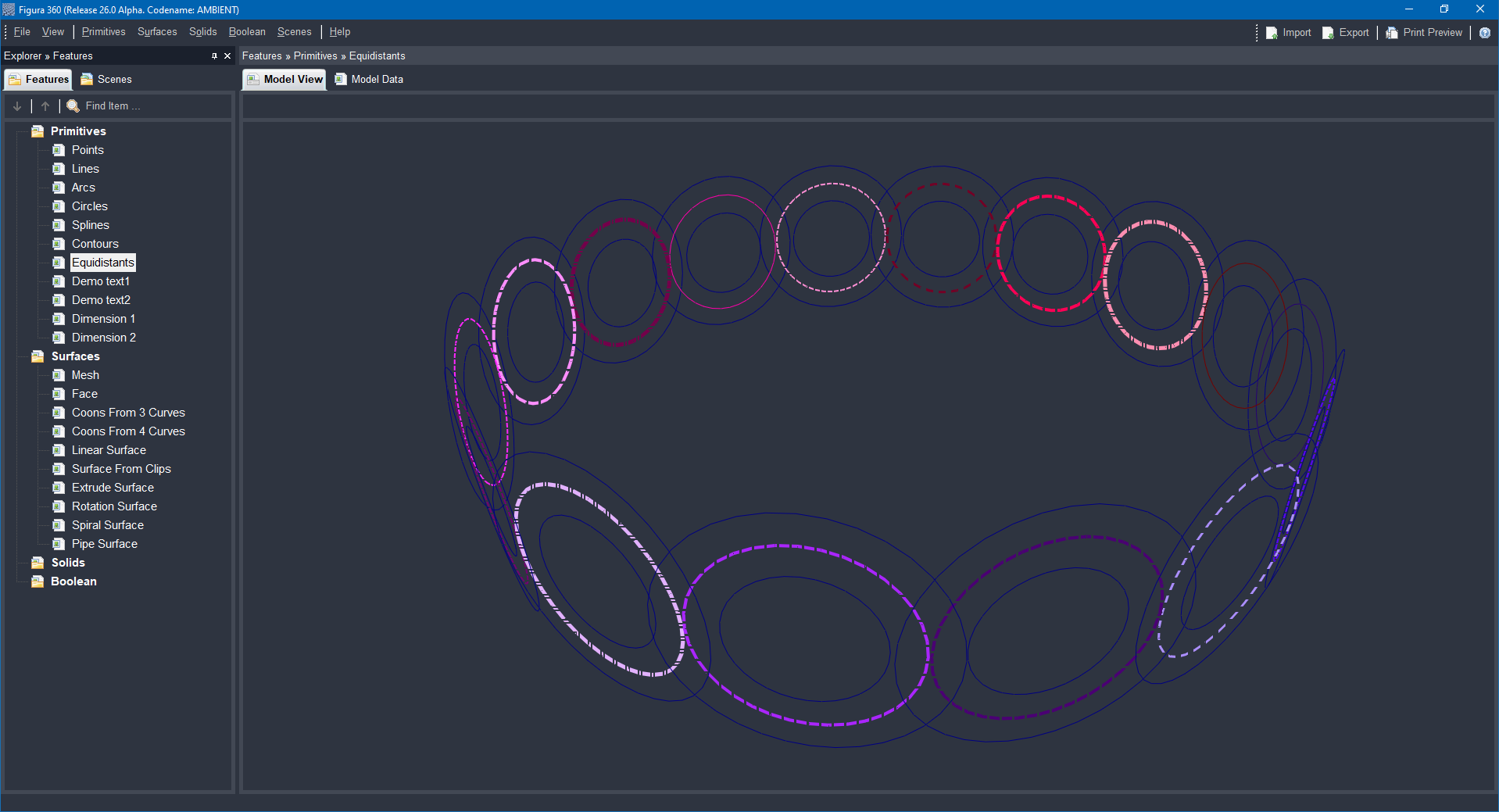
Capabilities — Primitives Features
Primitives scene example presented in a perspective view, featuring various primitives: lines, arcs, circles, splines, contours, equidistants, texts, dimensions.
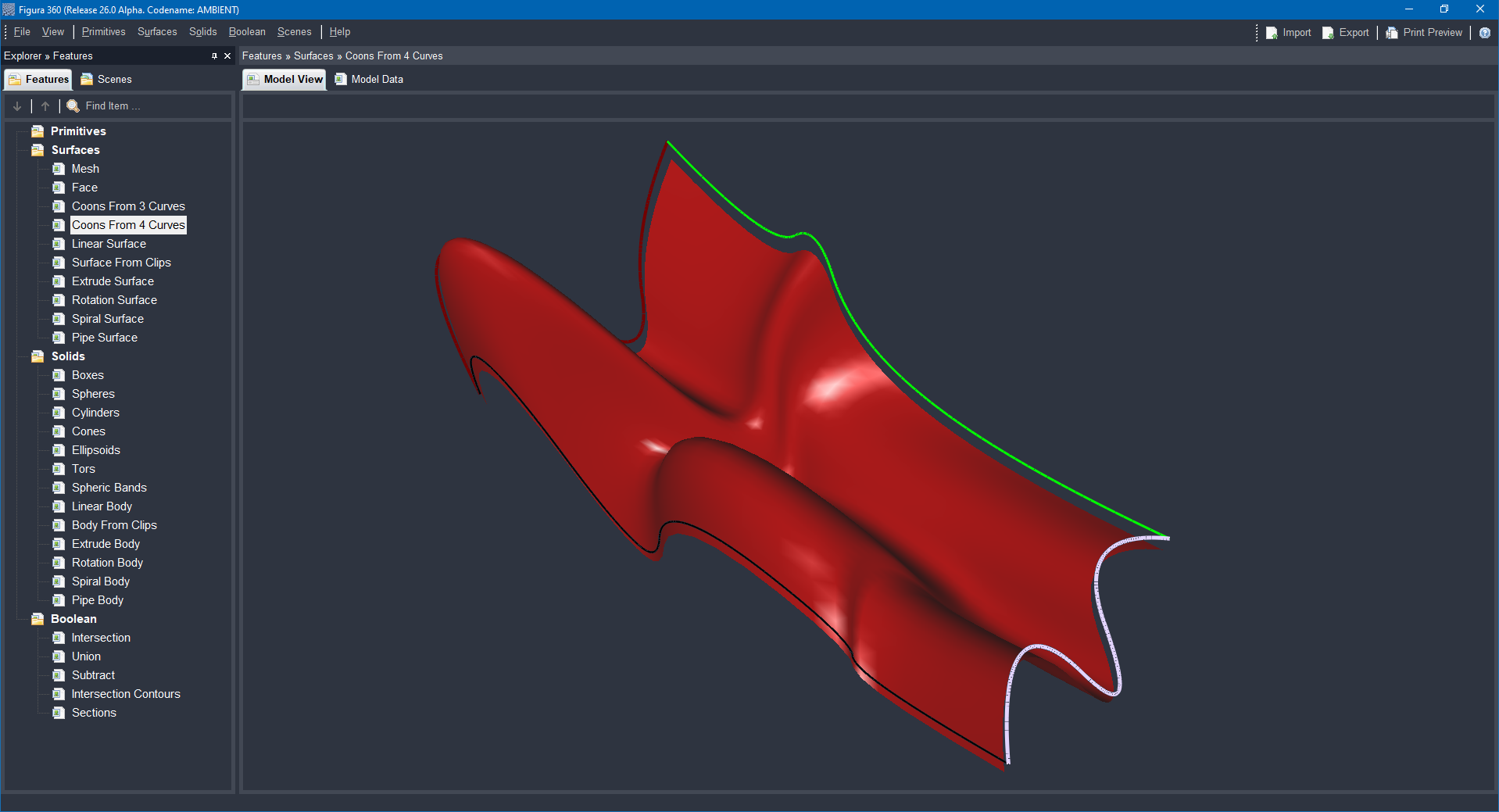
Capabilities — Surfaces Features
Surfaces scene example presented in a perspective view, featuring various surfaces: Mesh, Face, Coons From 3 Curves, Coons From 4 Curves, Linear Surface, Surface From Clips, Extrude Surface, Rotation Surface, Spiral Surface, Pipe Surface.
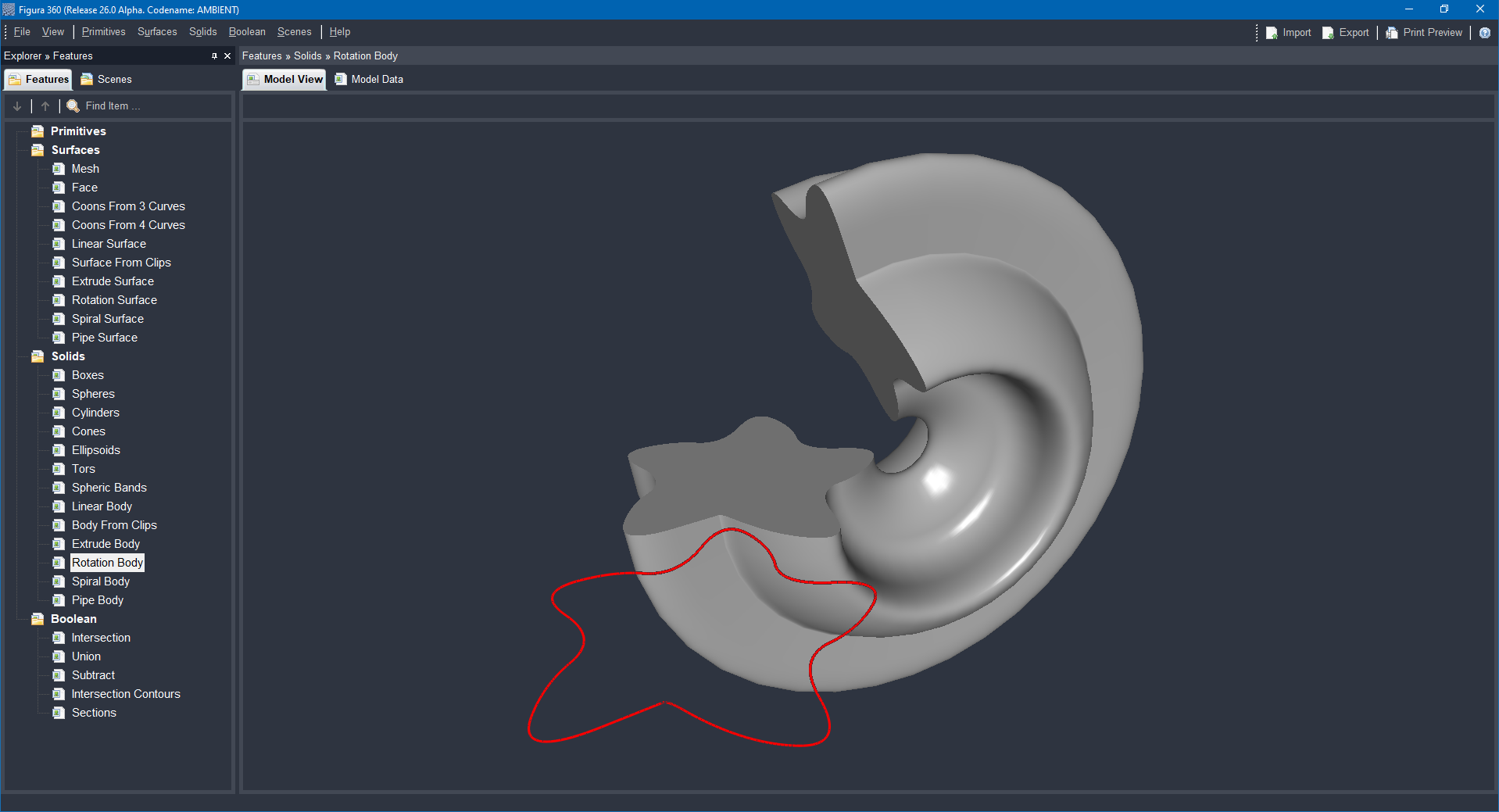
Capabilities — Solids Features
Solids scene example presented in a perspective view, featuring various solids: Boxes, Spheres, Cylinders, Cones, Ellipsoids, Tors, Spheric Bands, Linear Body, Body From Clips, Extrude Body, Rotation Body, Spiral Body, Pipe Body.
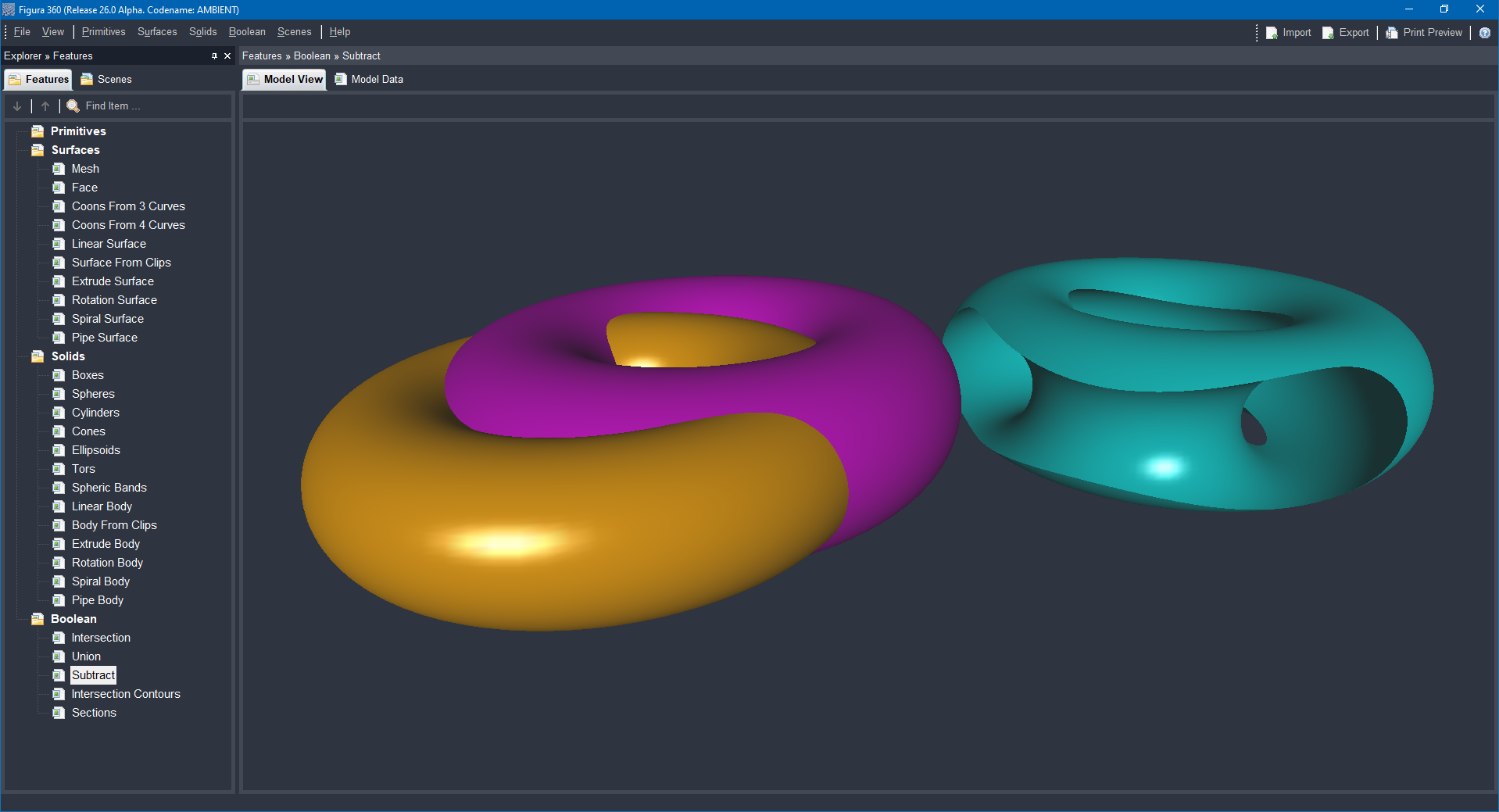
Capabilities — Boolean Features
Boolean operations scene example presented in a perspective view, featuring various boolean operations for solid modeling: Intersection, Union, Subtract, Intersection Contours, Sections.

Concepts — Surfaces and Solids
Advanced tools designed to turn 2D objects into detailed and precise 3D models. This improves the design’s depth, accuracy, and appearance, making the final result clearer and more refined.

Concepts — Kinematic Operations
Kinematic operations involve the process of generating new objects by extruding a two-dimensional shape along a defined path within three-dimensional space. This technique is fundamental in modeling, allowing the transformation of flat designs into complex 3D forms through guided movement.
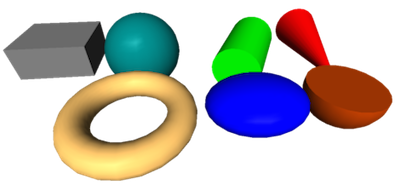
Concepts — 2D and 3D primitives
Solid modeling creates 3D objects by shaping form, surface, and volume. It starts with 2D shapes like lines and circles, which become 3D forms. Basic 3D shapes like cubes and spheres combine or change to build complex models, aiding design in engineering, architecture, and products.

Concepts — Boolean Operations
Boolean operations in solid modeling combine simple solids using union, intersection, and difference. They enable quick, accurate CAD modeling, aiding prototyping, analysis, and manufacturing, and enhance software flexibility for detailed shapes.

Concepts — Solid Modeling
Solid modeling is a CAD technique that creates precise 3D object shapes, defining volume and surface. It enables detailed design review, stress tests, movement analysis, and manufacturing planning, speeding up product design with fewer errors and improved collaboration.