Workspace
The Workspace shows how ideas evolve, how experiments unfold, and how tools are gradually developed through investigation and practice. Some articles are open to everyone, while deeper research, resources, and experiments are available to members supporting the work.
-
The research journal documenting experiments, systems, and ideas emerging from ongoing work across the labs. Here you can explore studies, prototypes, and explorations in geometry, graphics, structured information, software design, and coding.
Inside the Workspace
• Research notes and ongoing experiments
• Systems architecture explorations
• Geometry, graphics, and information studies
• Software design and investigations
• Prototypes, tools, and evolving systems
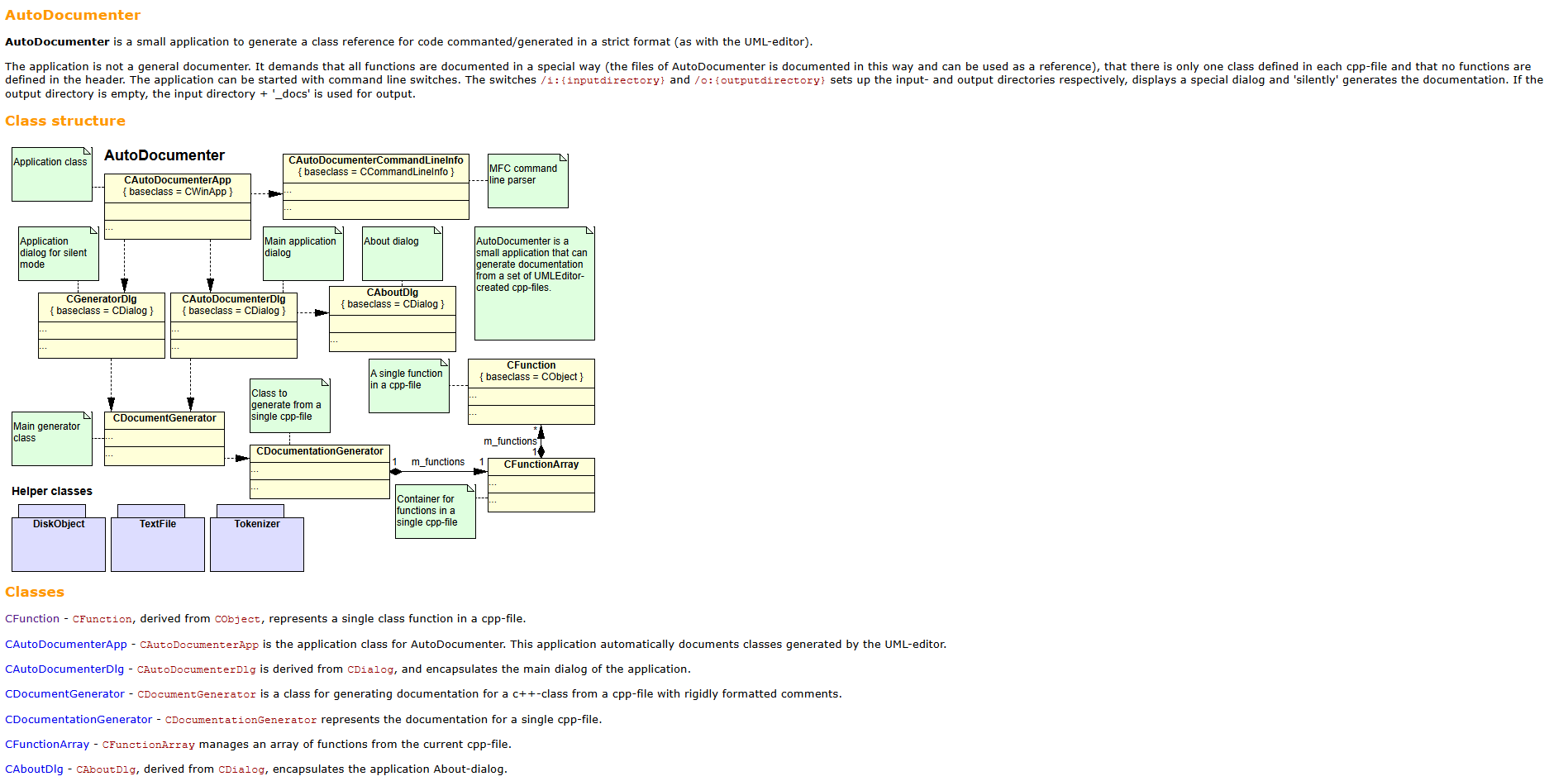
DIY Step 001: Learn about AutoDocumenter documentation
〰️ HOT INFO AND DOWNLOADS 〰️
DIY Step 001: Learn about AutoDocumenter documentation 〰️ HOT INFO AND DOWNLOADS 〰️
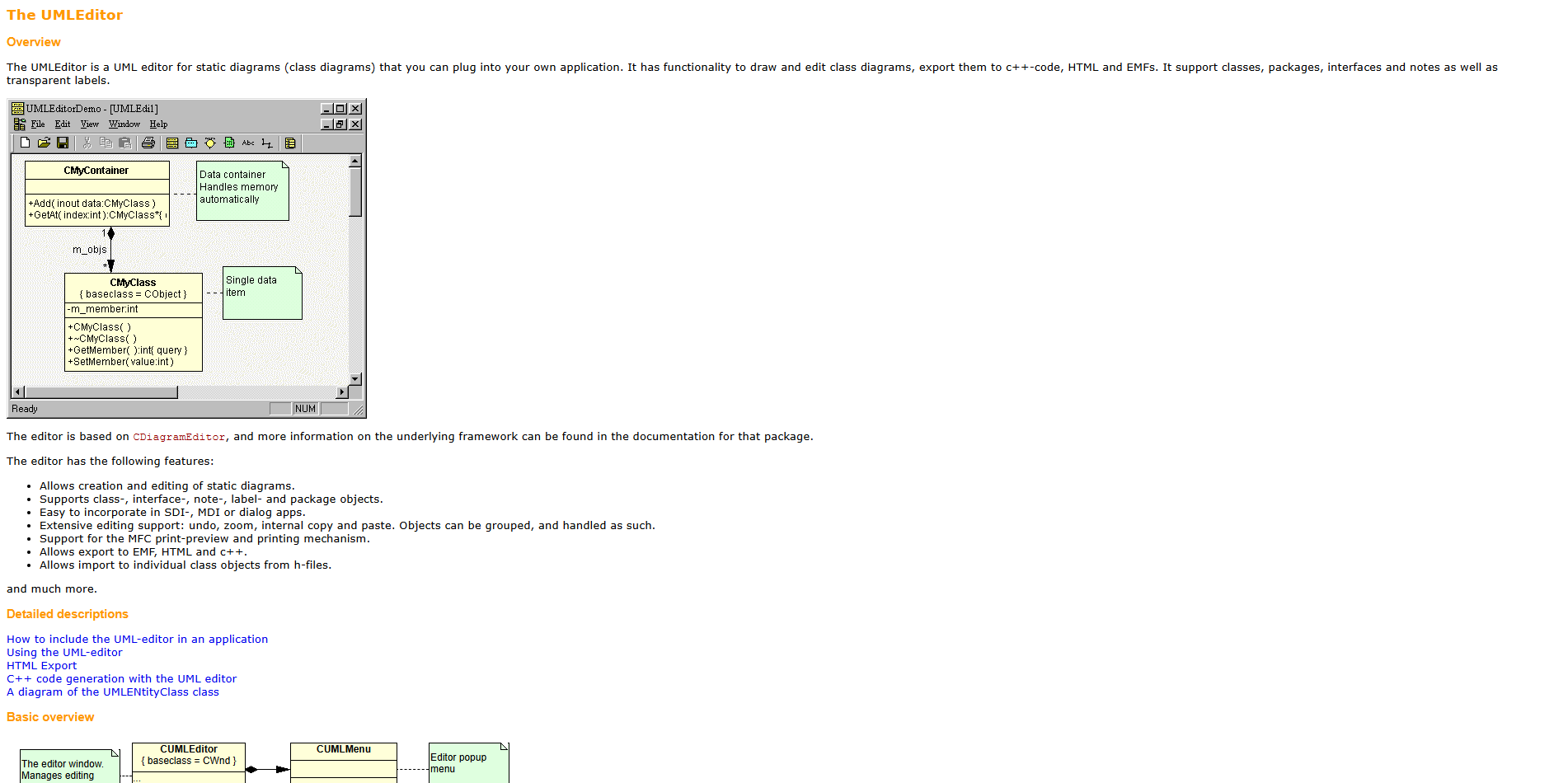
DIY Step 004: Learn UMLEditor from documentation
Following some of our Experiments, this step is about studying some automatic generated documentation.
UMLEditor
UMLEditor by Johan Rosengren at Abstrakt Mekanik AB is a lightweight tool for creating UML diagrams
Supports basic elements like classes, relationships, and connectors
Simple interface focused on quick, no-frills modeling
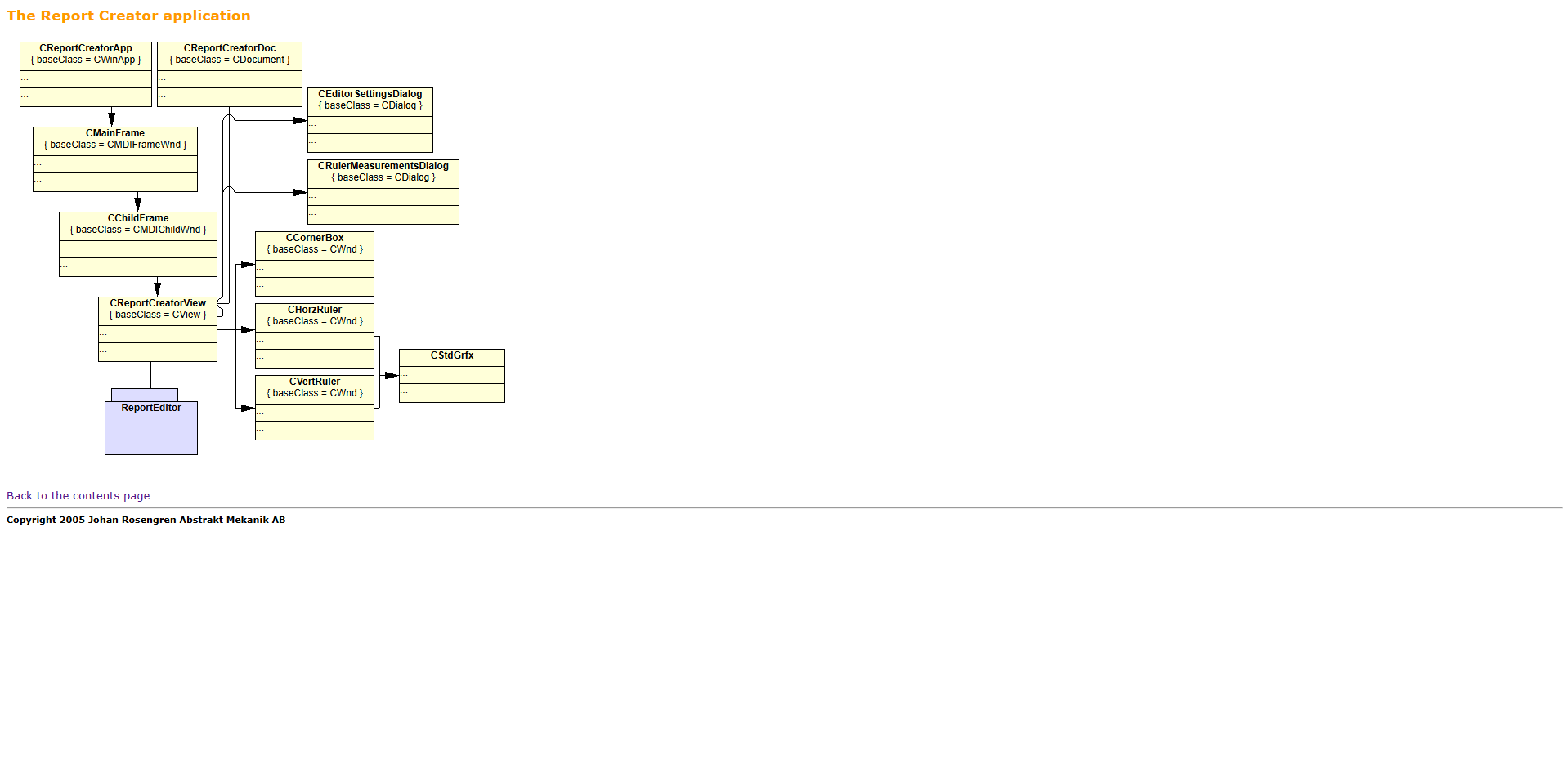
DIY Step 003: Learn ReportEditor from documentation
Following some of our Experiments, this step is about studying some automatic generated documentation.
ReportEditor
ReportEditor by Johan Rosengren at Abstrakt Mekanik AB is a lightweight text/report editing tool
Focuses on structured writing and simple formatting
Minimal interface, designed for quick document creation
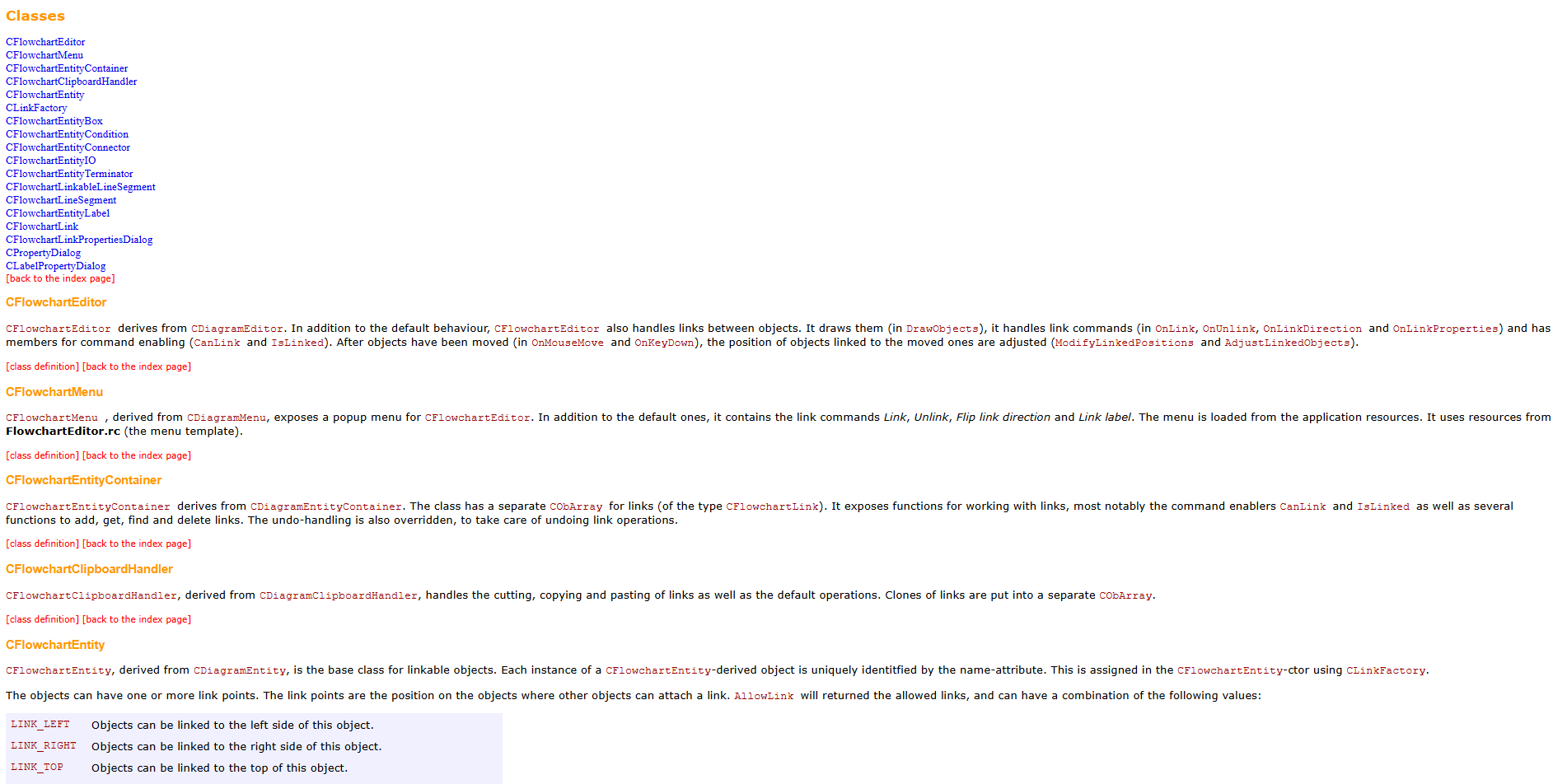
DIY Step 002: Learn FlowchartEditor from documentation
Following some of our Experiments, this step is about studying some automatic generated documentation.
FlowchartEditor
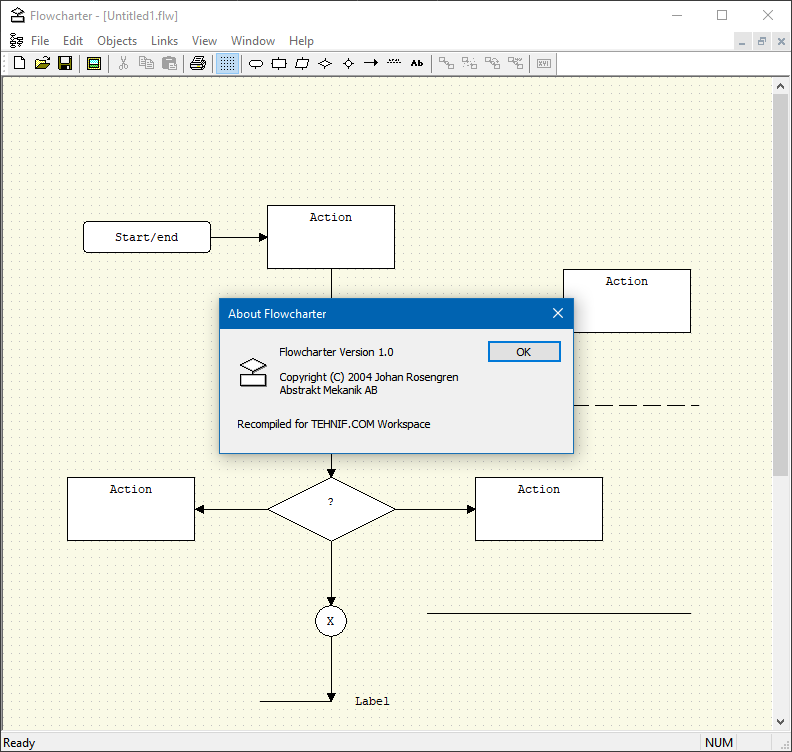
FlowchartEditor by Johan Rosengren at Abstrakt Mekanik AB is a lightweight Windows flowchart tool
It allows users create simple diagrams with nodes and arrows
Is designed for quick, minimal, no-frills workflow visualization
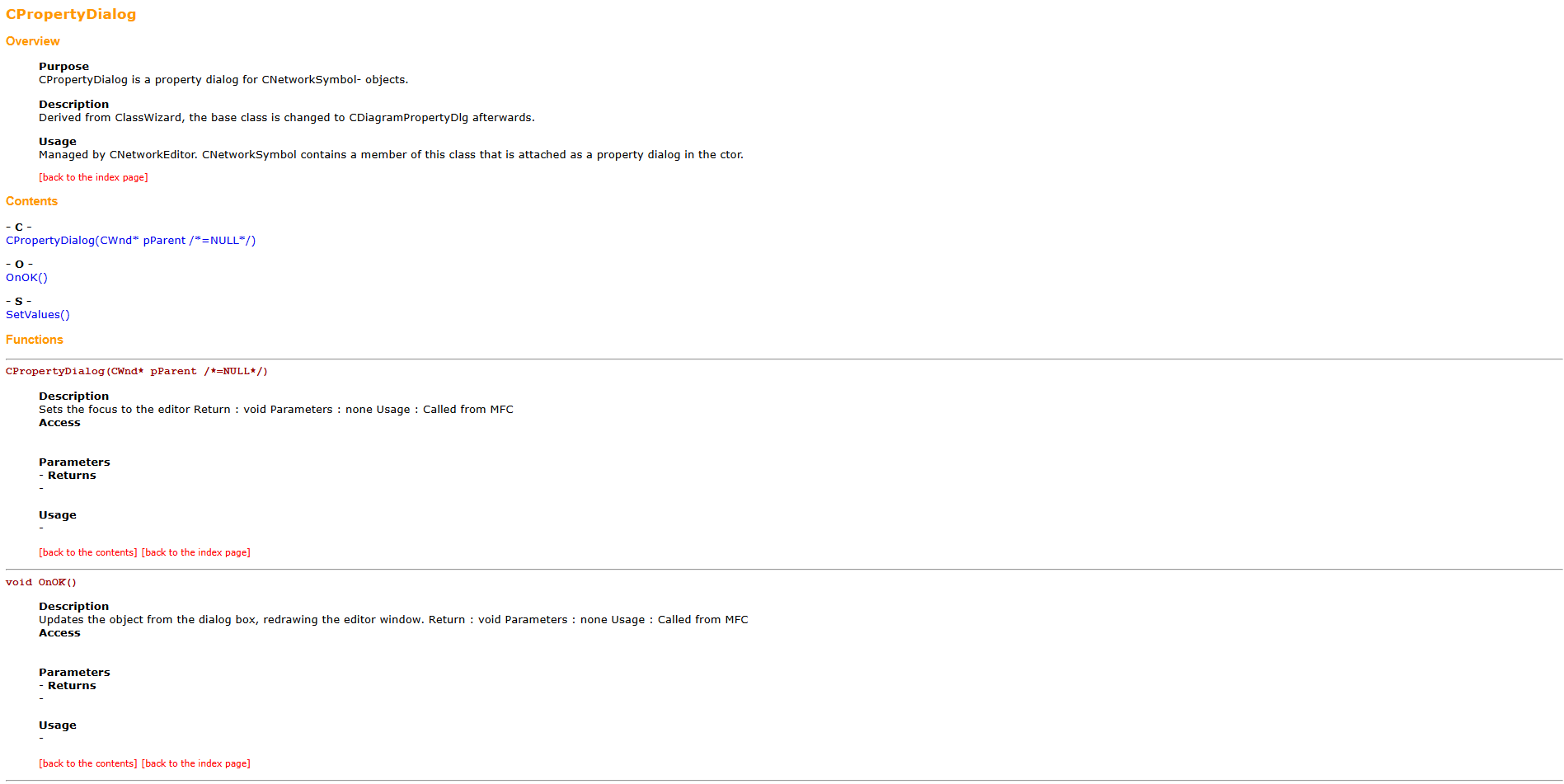
DIY Step 001: Learn about AutoDocumenter documentation
Following some of our Experiments, this step is about studying some automatic generated documentation.
Brace yourself!
We want to extract the best things from experiments
We want to show our approach to understand and present it to others
We want to adjust our work based on feedback from members
We want all members to be able to create themselves what we create