CAD Magazine
A curated visual wall of spatial designs, technical schematics, and 3D modeling studies pulled from our central Index.
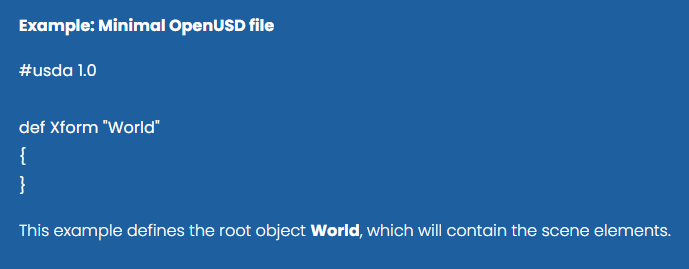

Example scene featuring import of STL file. The STL (STereoLithography) file format is widely-adopted format for 3D printing and rapid prototyping and represents 3D models as a mesh of triangles.

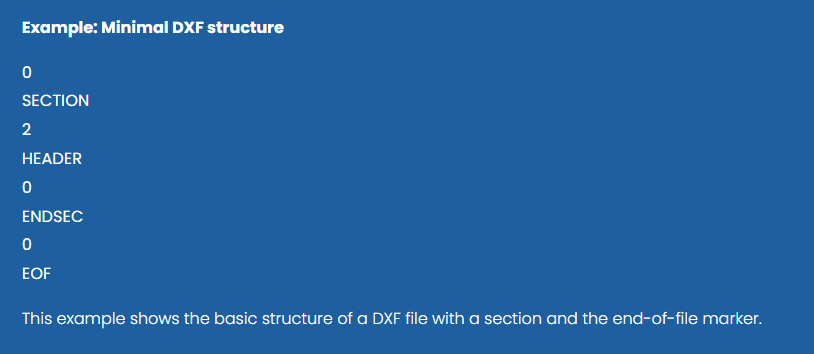
Example scene featuring import of DXF file. DXF (Drawing Exchange Format) is an open-source vector file format developed by Autodesk in 1982 to enable data interoperability between AutoCAD and other CAD programs.
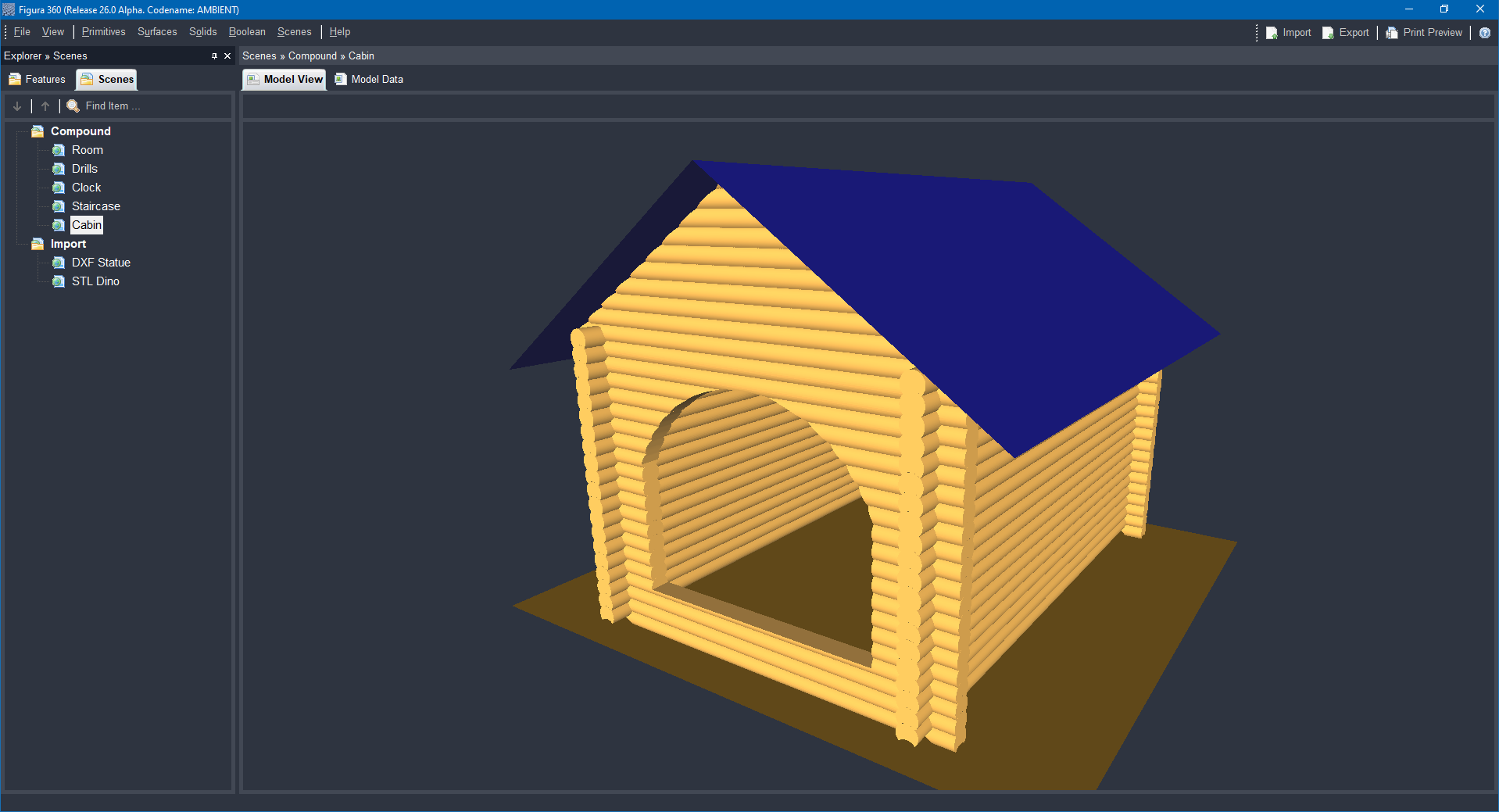
Cabin compound scene example presented in a perspective view, featuring solid modeling and assembling, procedural fast calculation, navigation (Zoom, Pan, Orbit), perspective view.
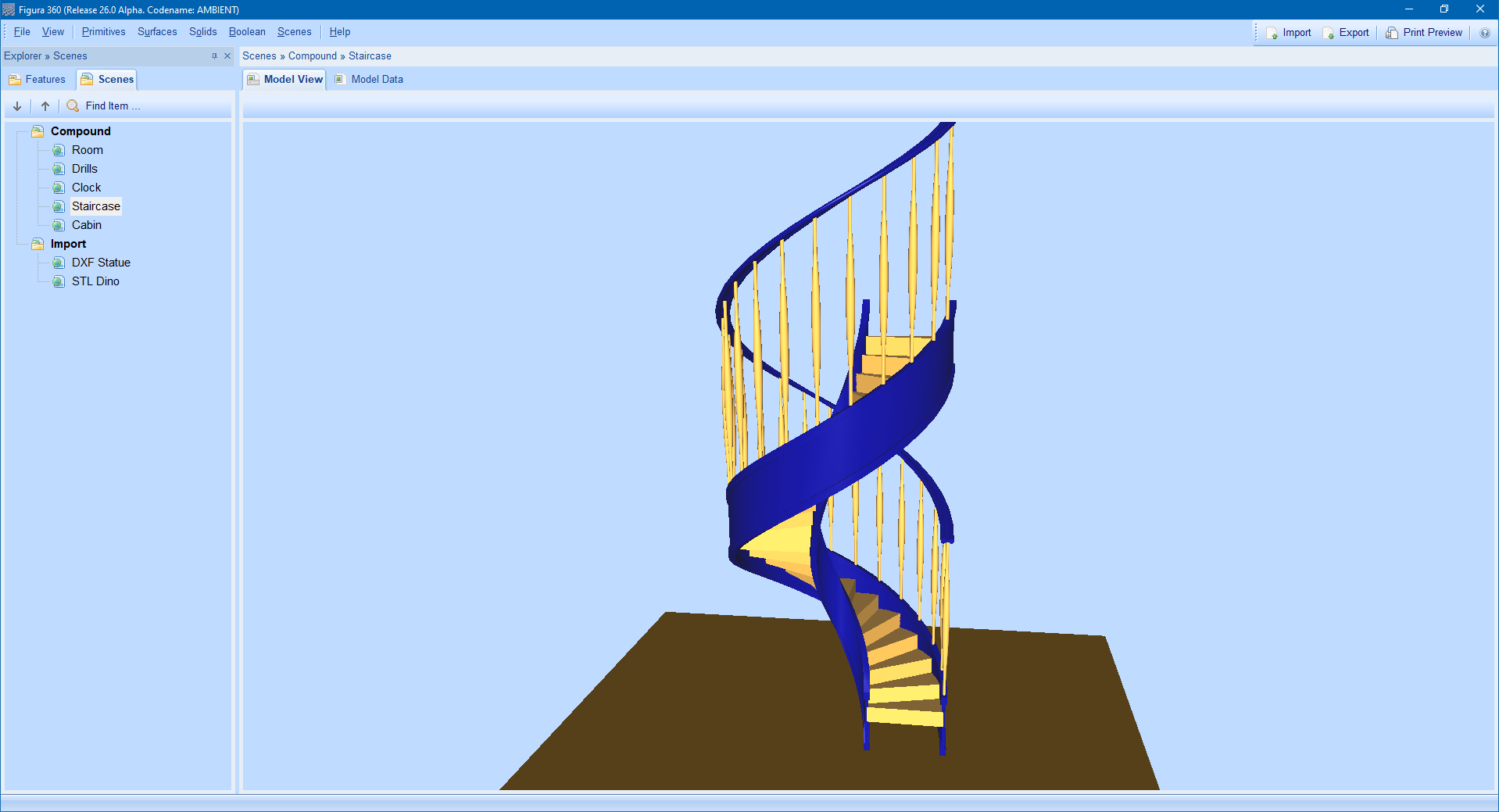
Staircase compound scene example presented in a perspective view, featuring solid modeling and assembling, procedural fast calculation, navigation (Zoom, Pan, Orbit), perspective view.
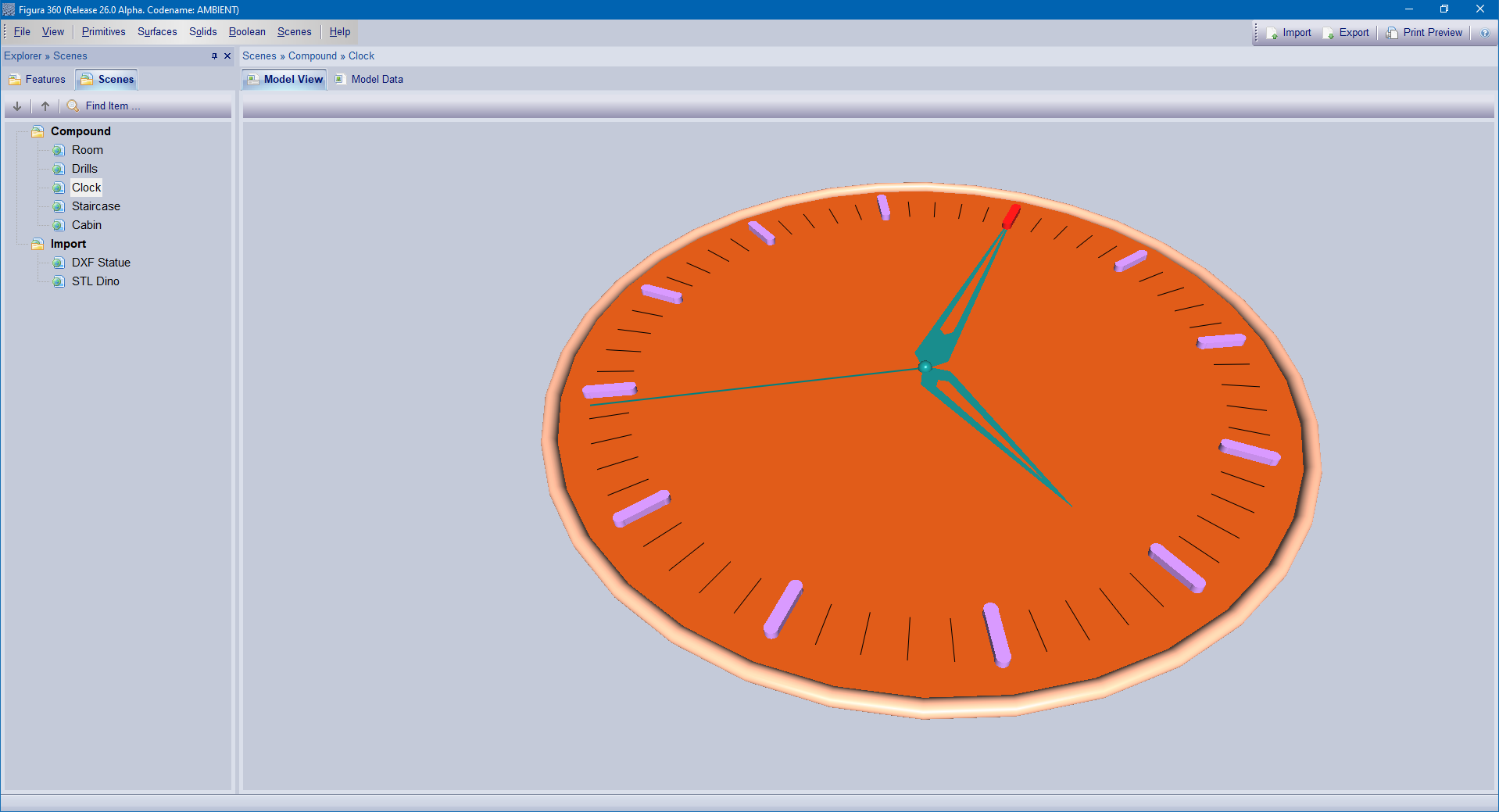
Clock compound scene example presented in a perspective view, featuring solid modeling and assembling, procedural fast calculation, navigation (Zoom, Pan, Orbit), perspective view.
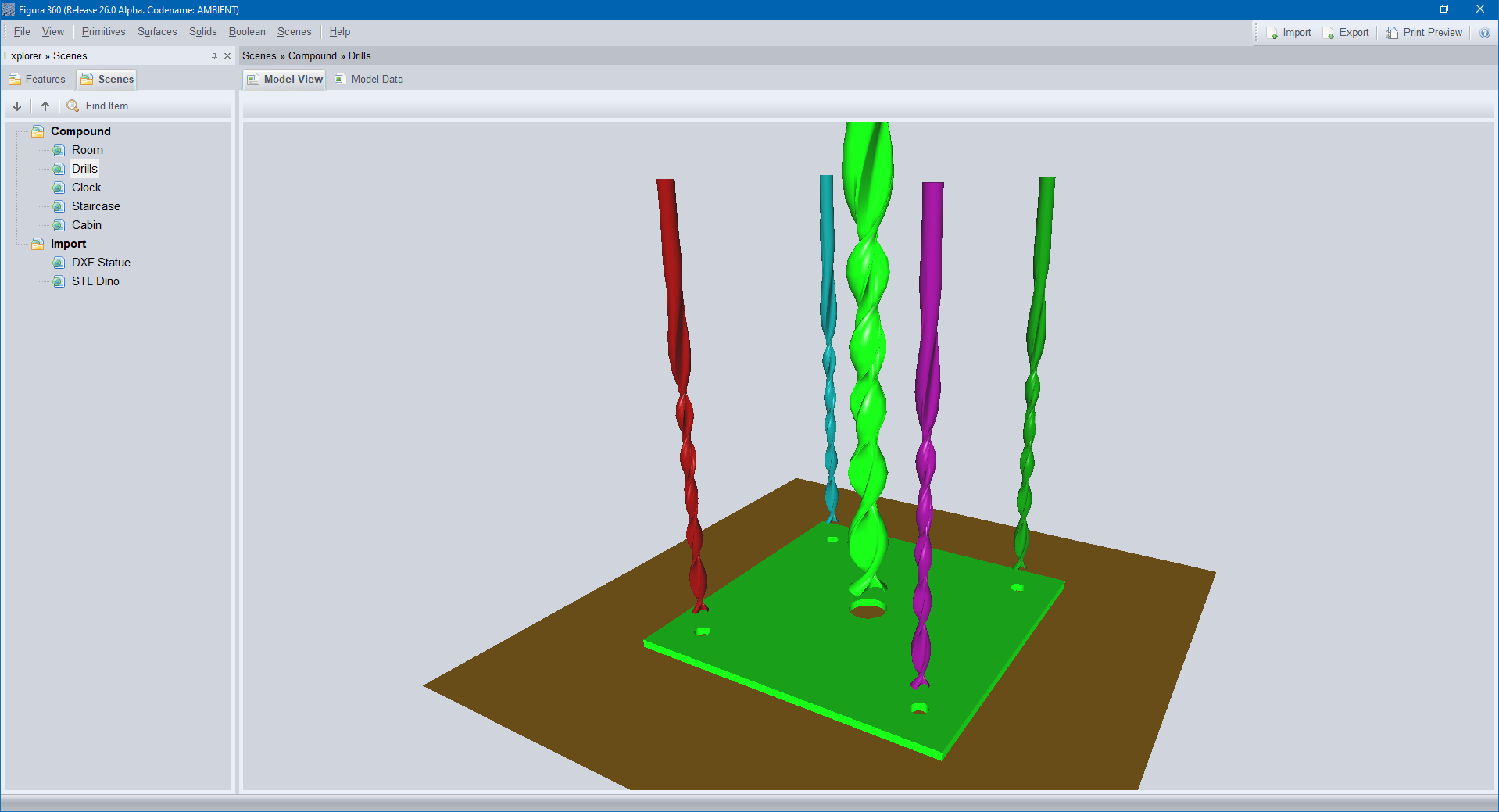
Drills compound scene example presented in a perspective view, featuring solid modeling and assembling, procedural fast calculation, navigation (Zoom, Pan, Orbit), perspective view.
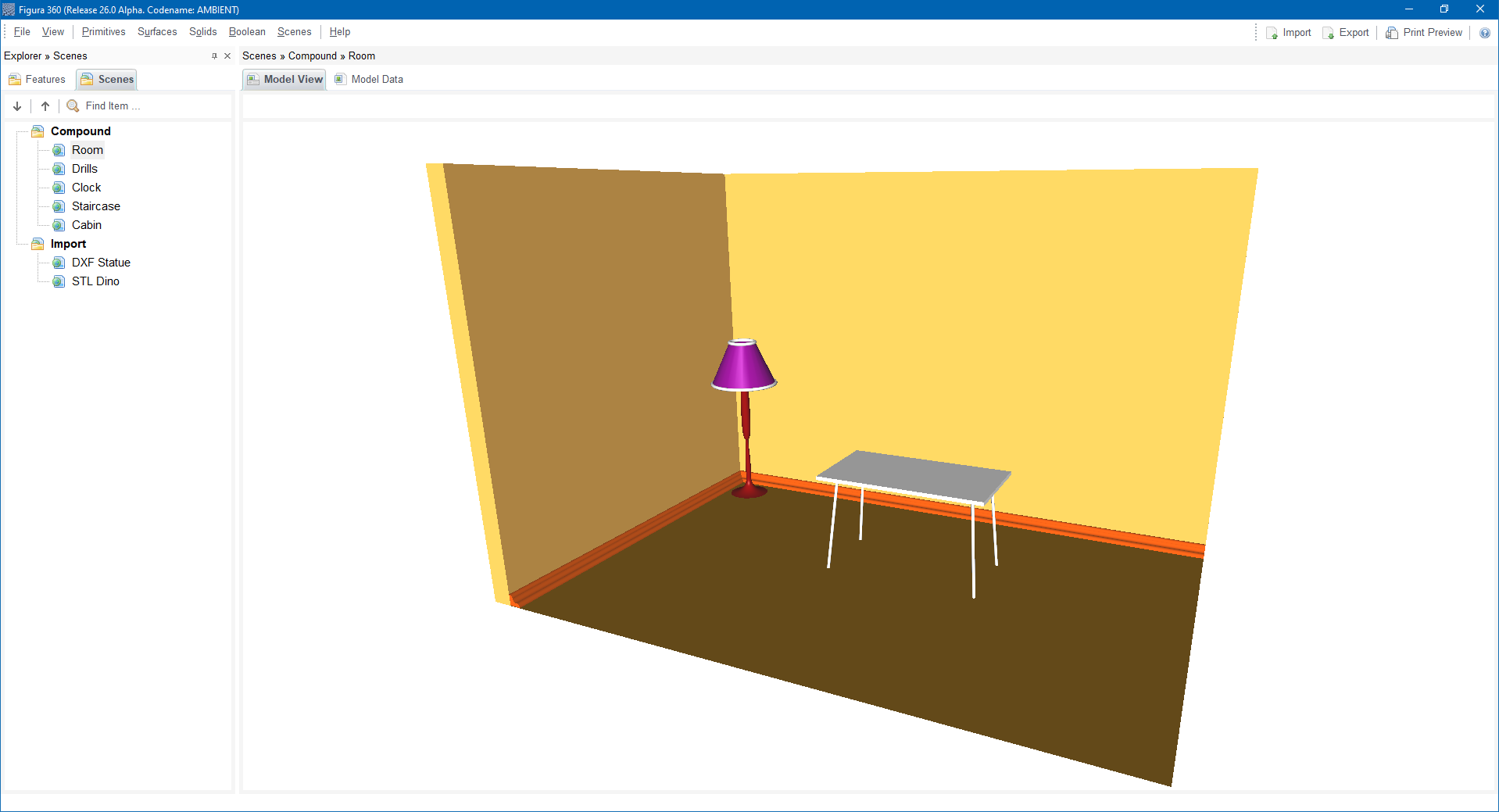
Room compound scene example presented in a perspective view, featuring solid modeling and assembling, procedural fast calculation, navigation (Zoom, Pan, Orbit), perspective view.
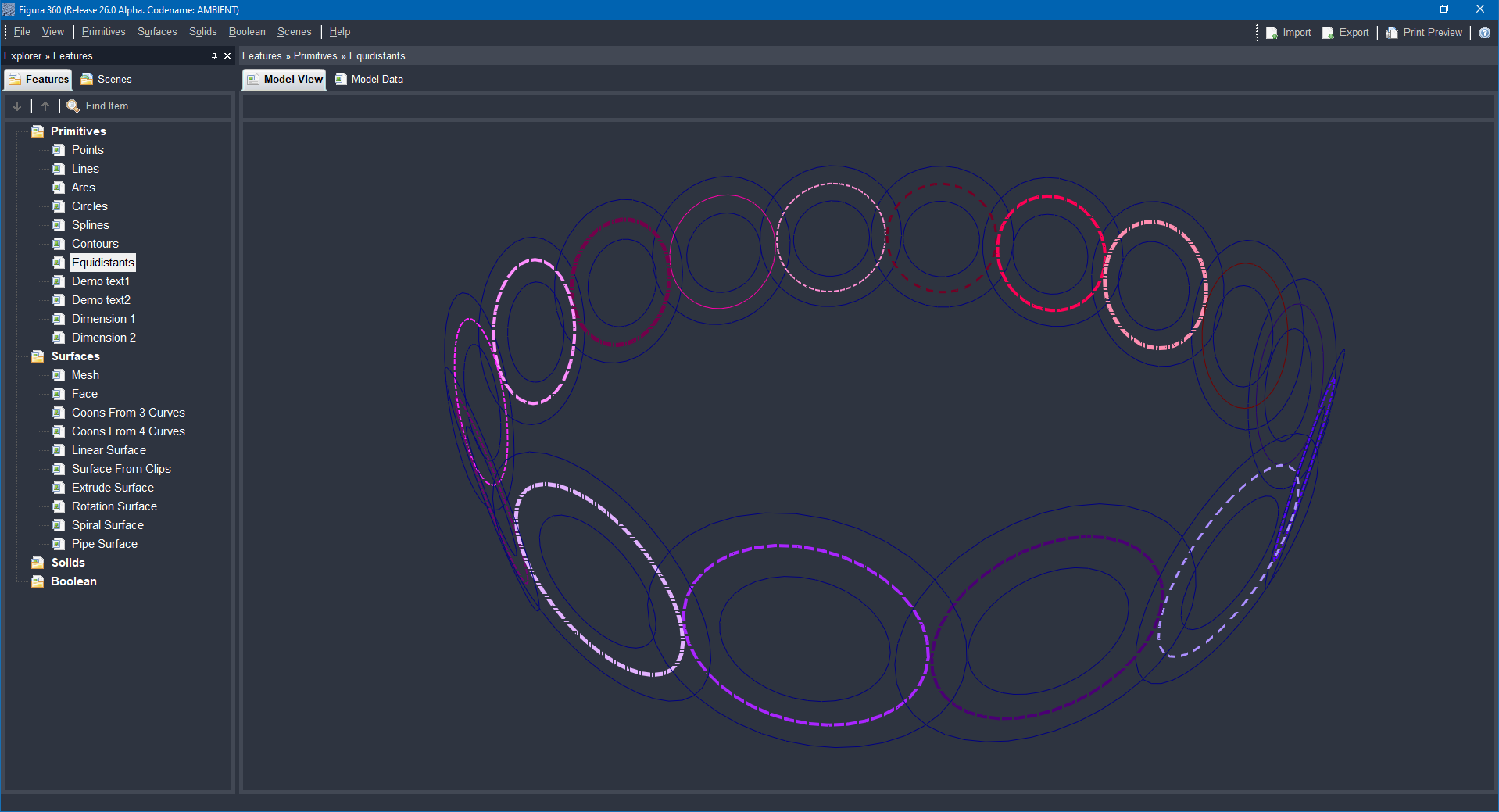
Primitives scene example presented in a perspective view, featuring various primitives: lines, arcs, circles, splines, contours, equidistants, texts, dimensions.
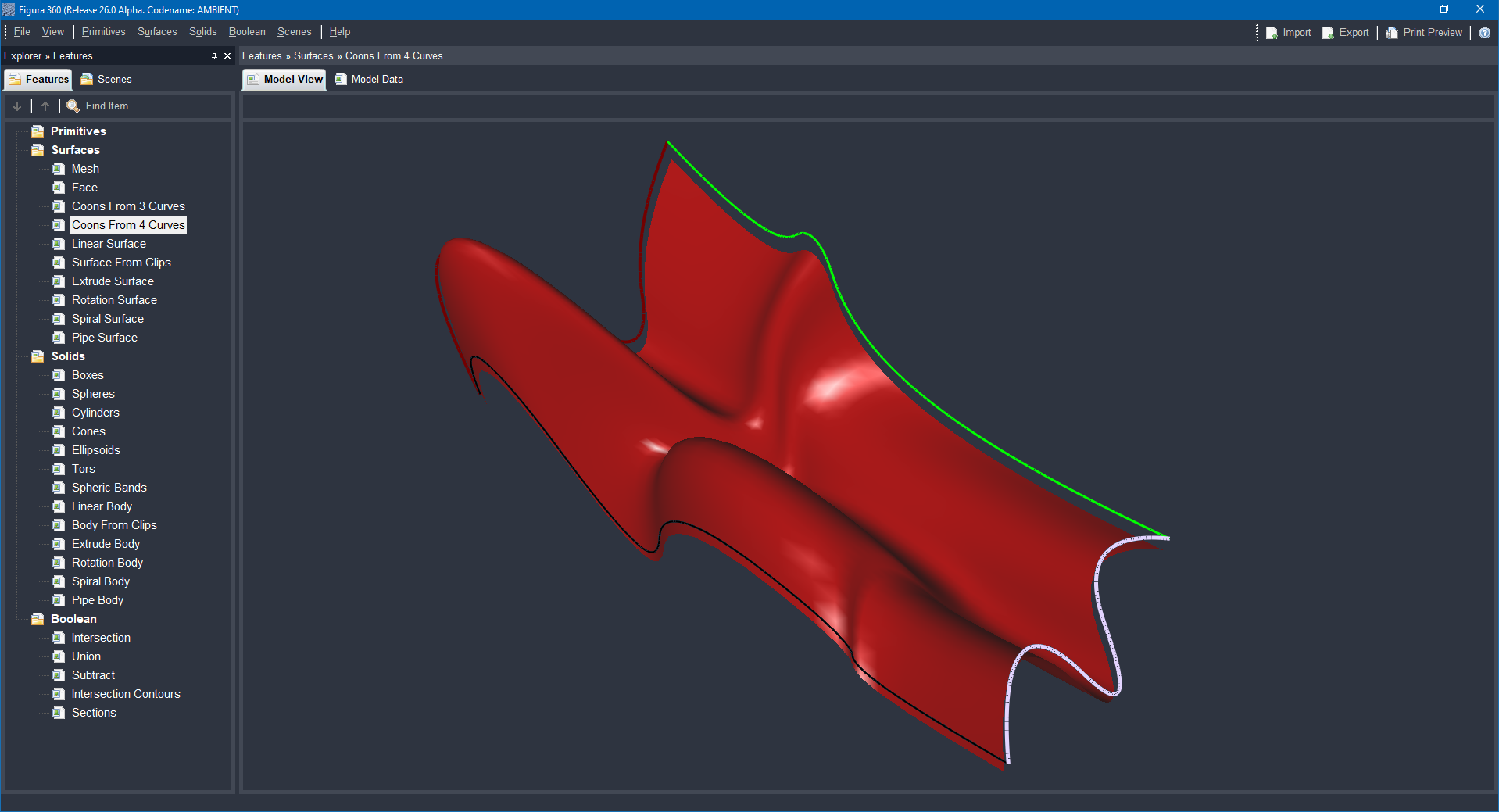
Surfaces scene example presented in a perspective view, featuring various surfaces: Mesh, Face, Coons From 3 Curves, Coons From 4 Curves, Linear Surface, Surface From Clips, Extrude Surface, Rotation Surface, Spiral Surface, Pipe Surface.
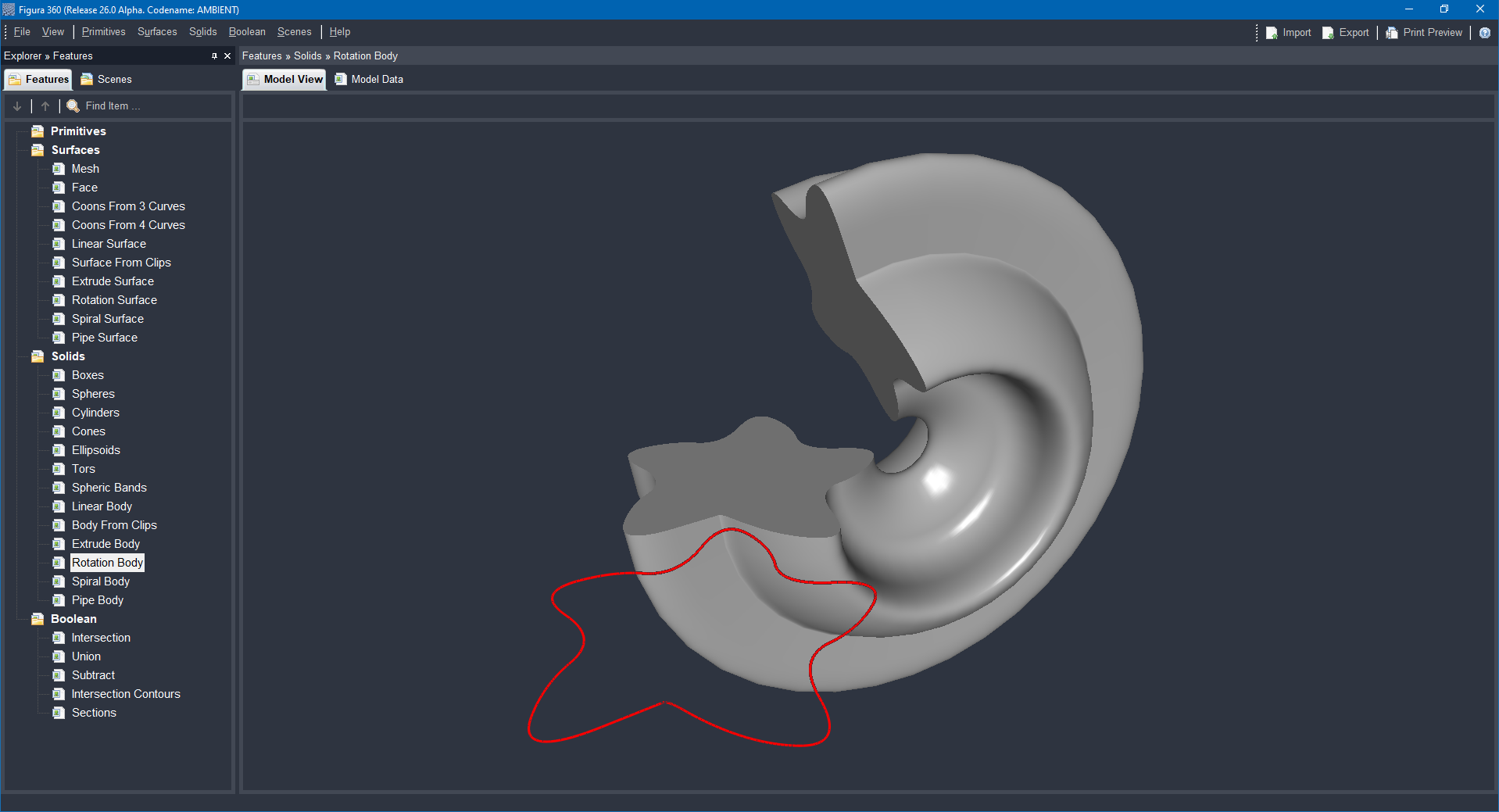
Solids scene example presented in a perspective view, featuring various solids: Boxes, Spheres, Cylinders, Cones, Ellipsoids, Tors, Spheric Bands, Linear Body, Body From Clips, Extrude Body, Rotation Body, Spiral Body, Pipe Body.
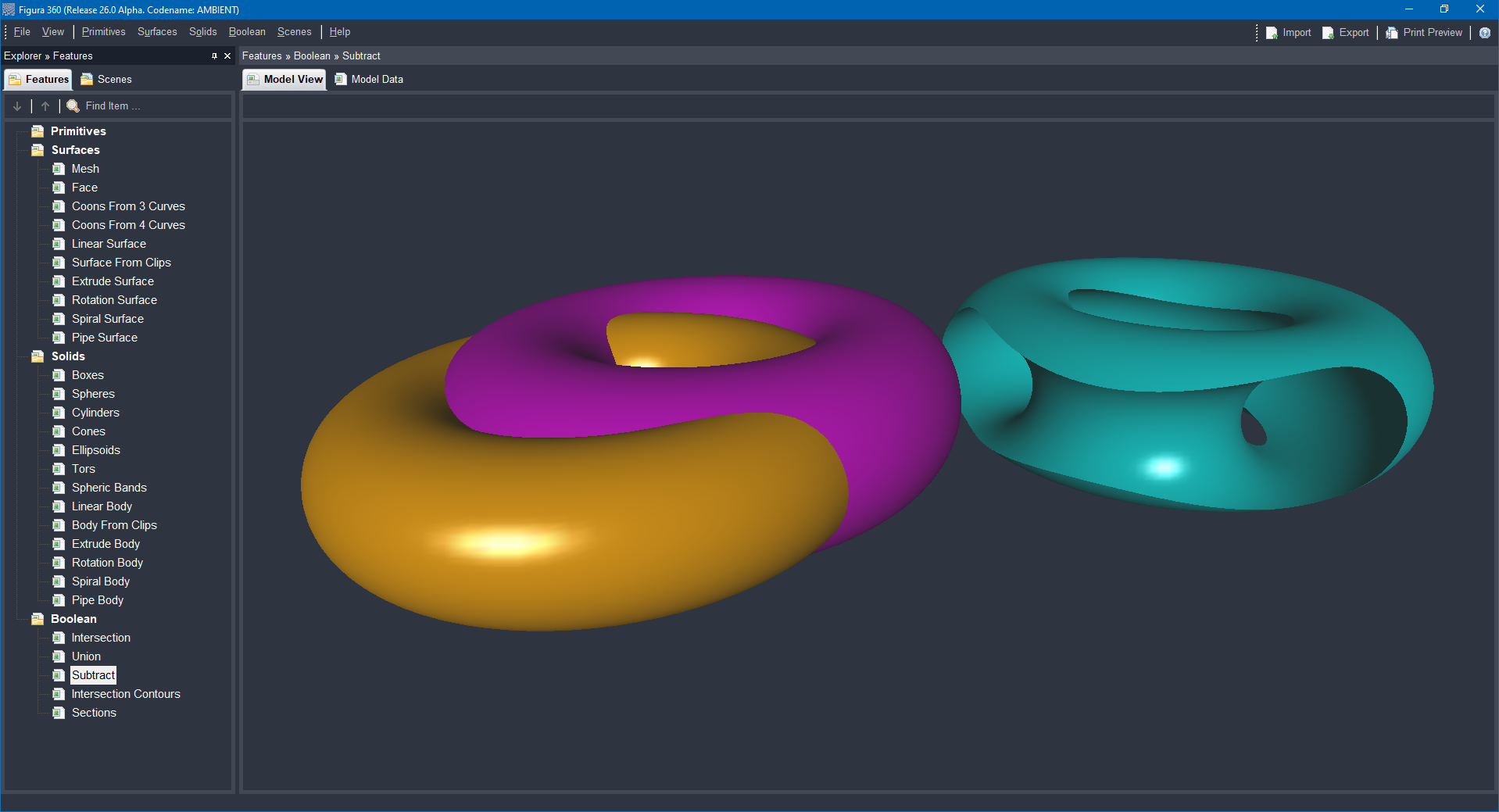
Boolean operations scene example presented in a perspective view, featuring various boolean operations for solid modeling: Intersection, Union, Subtract, Intersection Contours, Sections.

Advanced tools designed to turn 2D objects into detailed and precise 3D models. This improves the design’s depth, accuracy, and appearance, making the final result clearer and more refined.

Kinematic operations involve the process of generating new objects by extruding a two-dimensional shape along a defined path within three-dimensional space. This technique is fundamental in modeling, allowing the transformation of flat designs into complex 3D forms through guided movement.
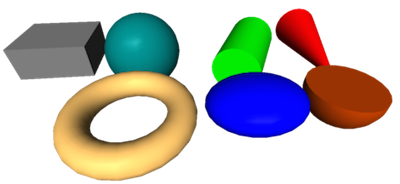
Solid modeling creates 3D objects by shaping form, surface, and volume. It starts with 2D shapes like lines and circles, which become 3D forms. Basic 3D shapes like cubes and spheres combine or change to build complex models, aiding design in engineering, architecture, and products.

Boolean operations in solid modeling combine simple solids using union, intersection, and difference. They enable quick, accurate CAD modeling, aiding prototyping, analysis, and manufacturing, and enhance software flexibility for detailed shapes.

Solid modeling is a CAD technique that creates precise 3D object shapes, defining volume and surface. It enables detailed design review, stress tests, movement analysis, and manufacturing planning, speeding up product design with fewer errors and improved collaboration.
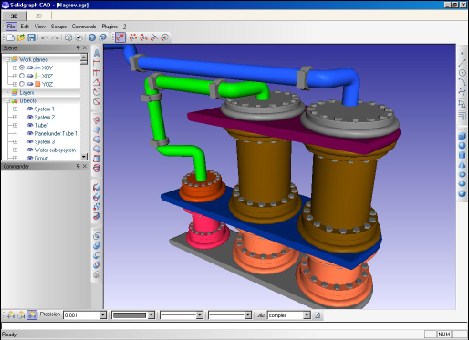
SolidGraph is a full-featured system for 3D modeling of highly complex geometric objects. Sooner or later, everyone who works with computer graphics feels necessary to write his own editor.

Anti-Grain Geometry (AGG) is an Open Source, free of charge graphic library, written in industrially standard C++.. Basically, you can think of AGG as of a rendering engine that produces pixel images in memory from some vectorial data. But of course, AGG can do much more than that.

Dynamic Draw is a vector graphics editor. It is useful for making flowcharts, line drawings, org charts, buttons, etc. It is an object-oriented drawing and design program. It has intelligent linking system.

Traditionally, Windows applications are built upon the GDI/User windowing hierarchy, and thus restricted in several areas. While you can certainly generate a nice application quickly with the built-in control-set and get a standard clean look, you will soon enough stumble upon the limitations of the Windows controls - especially if you want to build something that looks a little more flashy.

Win32++ is a C++ library used to build windows applications. Win32++ is a free alternative to MFC.
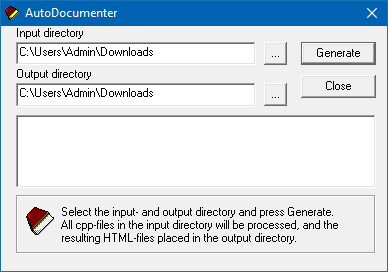
AutoDocumenter automates precise project documentation by extracting key info, cutting manual work and errors. Its user-friendly interface and customizable templates deliver consistent, professional documents, enhancing productivity and communication. Compatible with multiple formats and integrations, ideal for developers, engineers, and content creators.
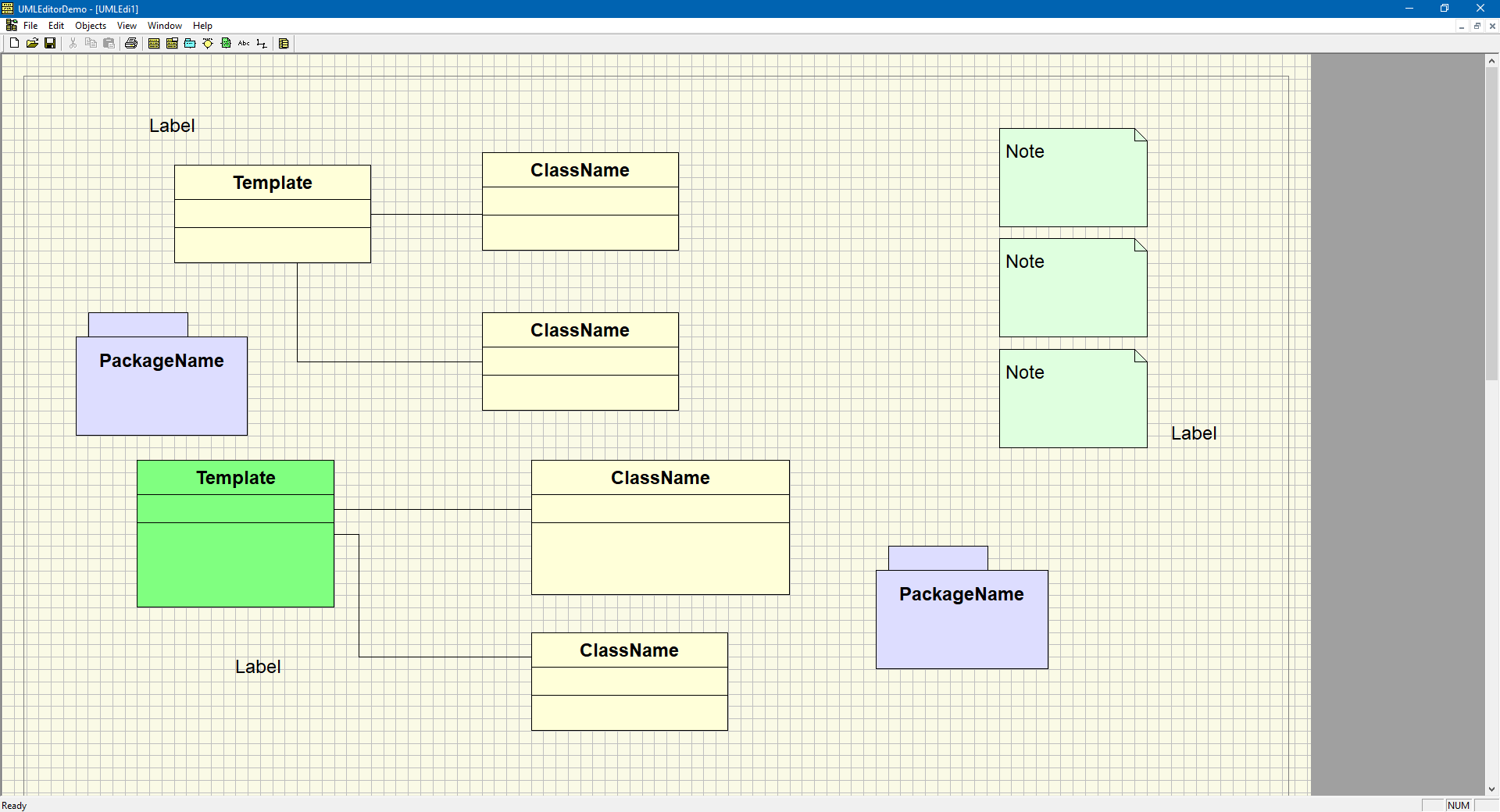
UMLEditor provides an intuitive interface for creating and editing class, use case, and sequence diagrams. It includes drag-and-drop shapes, connectors, and customizable attributes, focusing on ease of use for beginners or quick tasks. Export options usually cover common image formats and XML for easy sharing and integration.
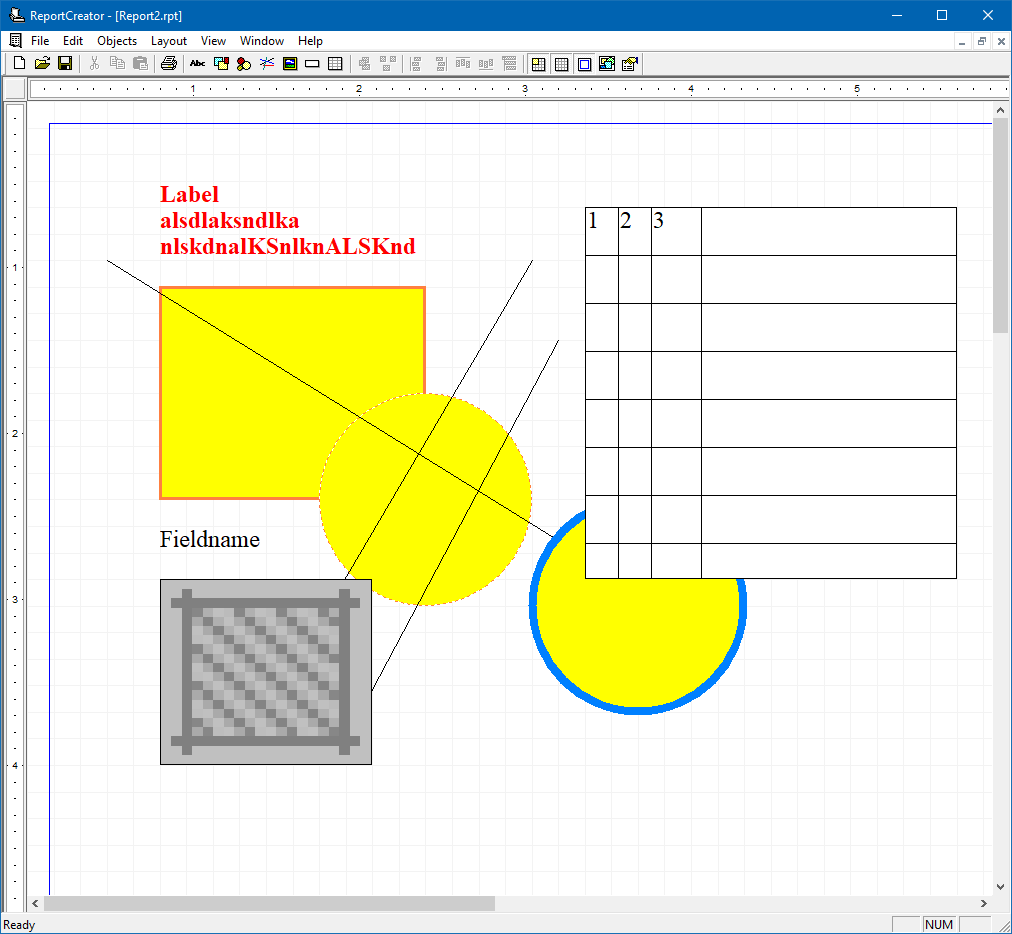
ReportEditor uses an intuitive interface for easy report creation and formatting. It features text input, basic styling, and options to add tables or images, designed for users with minimal technical skills to enable fast, clear, and customizable report creation.
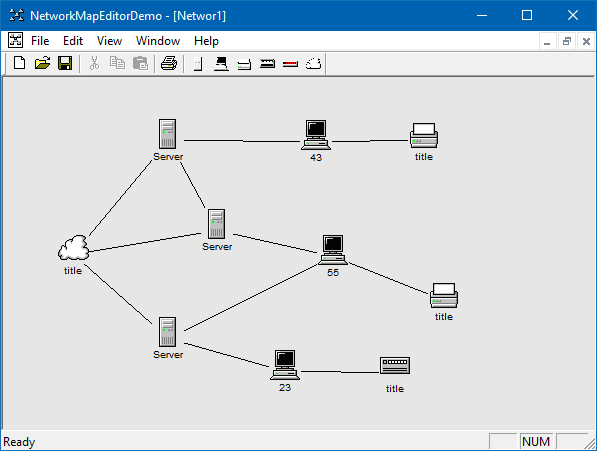
NetworkMapEditor lets users design and visualize networks by dragging device icons onto a canvas. Devices connect with customizable links to show data flow. It supports basic configuration, labeling, and IP assignment, providing an easy, efficient tool for clear network diagrams for all users.
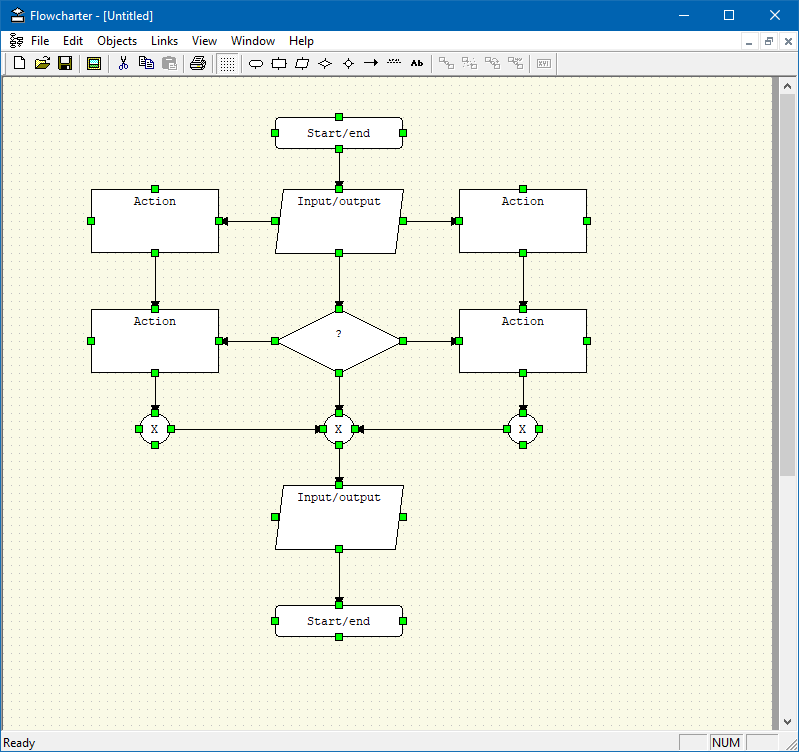
FlowchartEditor uses basic shapes to show process steps: ovals for start, rectangles for actions, diamonds for decisions, and arrows for flow direction, making the sequence clear and easy to follow.

DialogEditor allows users to create and manage conversations using controls or text. Perfect for writers and developers, it makes creating interactive dialogs for applications, without requiring advanced skills.